Stop an agent
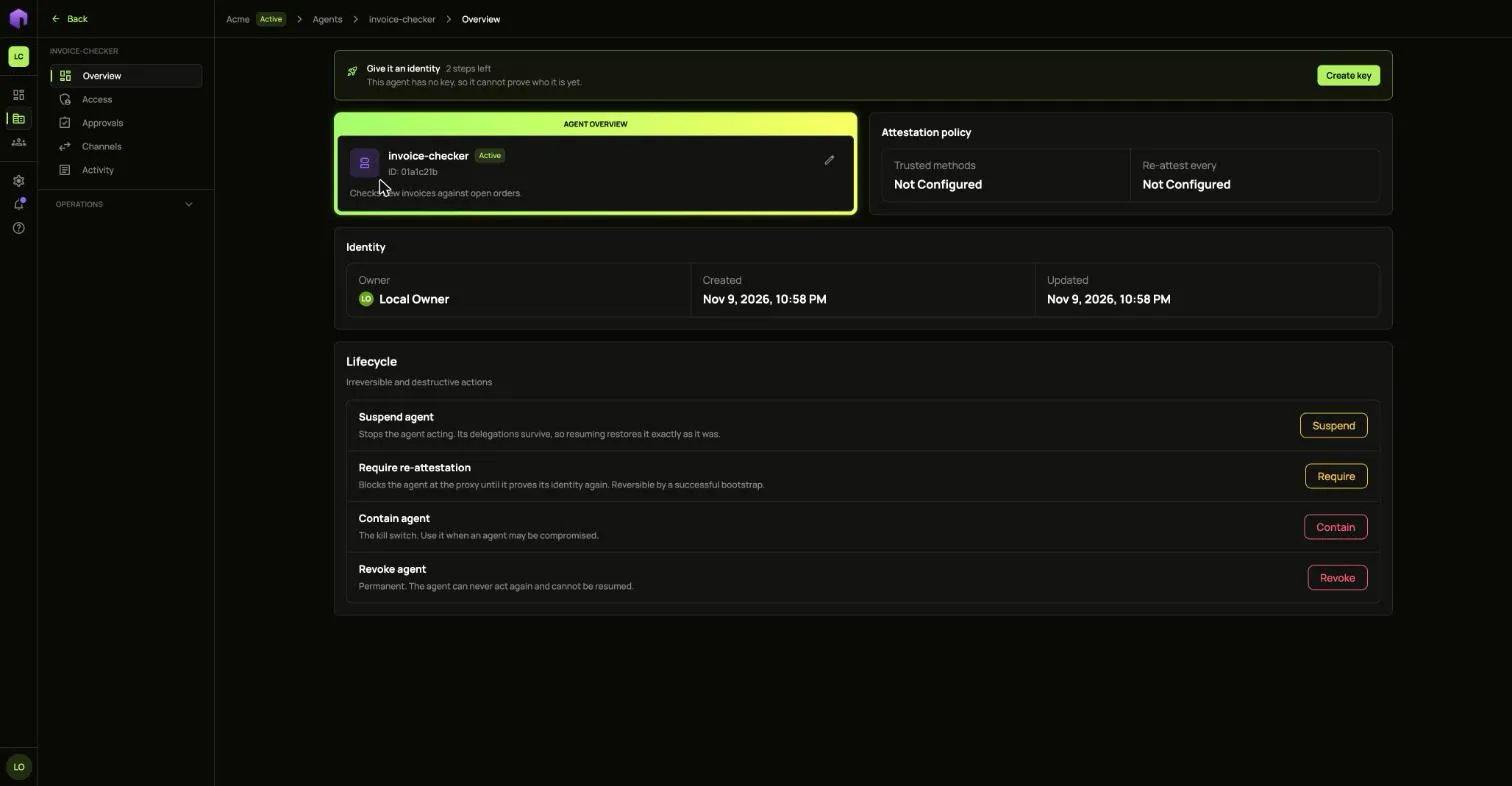
Each control on an agent’s Overview page, under Lifecycle, is stronger than the one before it. In this guide Ann has an agent called invoice-checker and something looks wrong.
Suspend
Section titled “Suspend”Choose Suspend and confirm. The agent stops acting and its access is kept, so Resume puts it back exactly as it was.

To stop every agent in the tenant at once, choose Stop all agents on the Agents list and type the tenant’s slug. Each one is resumed by hand.
Require re-attestation
Section titled “Require re-attestation”Choose Require and confirm. The agent is blocked until it proves what it is again. Its badge reads Must re-attest until then, and it cannot be given new access.
Tokens it already holds stop working on its next request, not when they expire.

An agent can only prove itself through a method its policy trusts. An agent with no policy has no way back, so use Suspend for it instead.
Contain
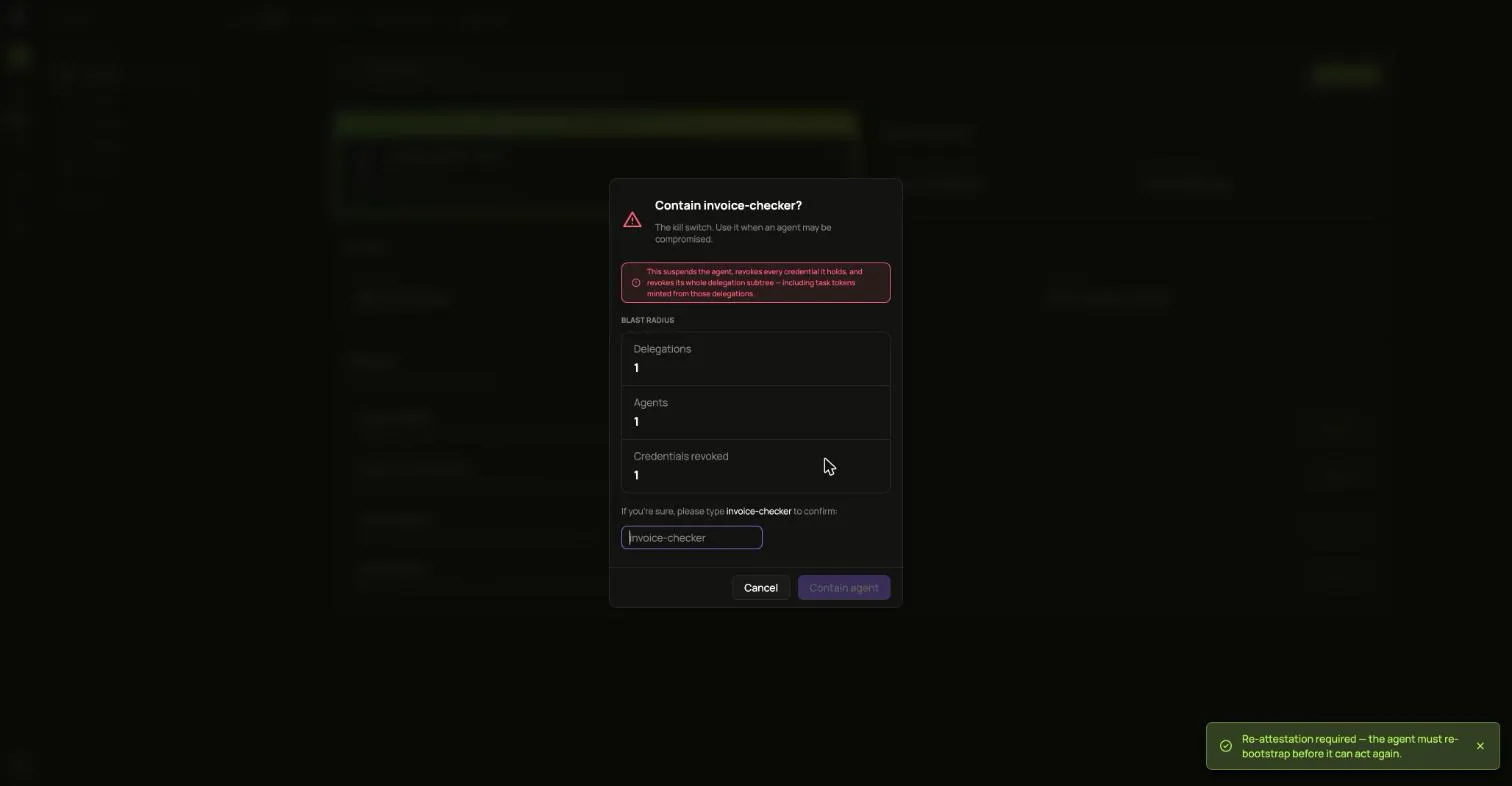
Section titled “Contain”Contain is the kill switch, for an agent that may be compromised. It revokes the agent and the access it holds or handed on. It cannot be undone.
- Choose Contain.
- Type the agent’s name to confirm.
- Choose Contain agent.
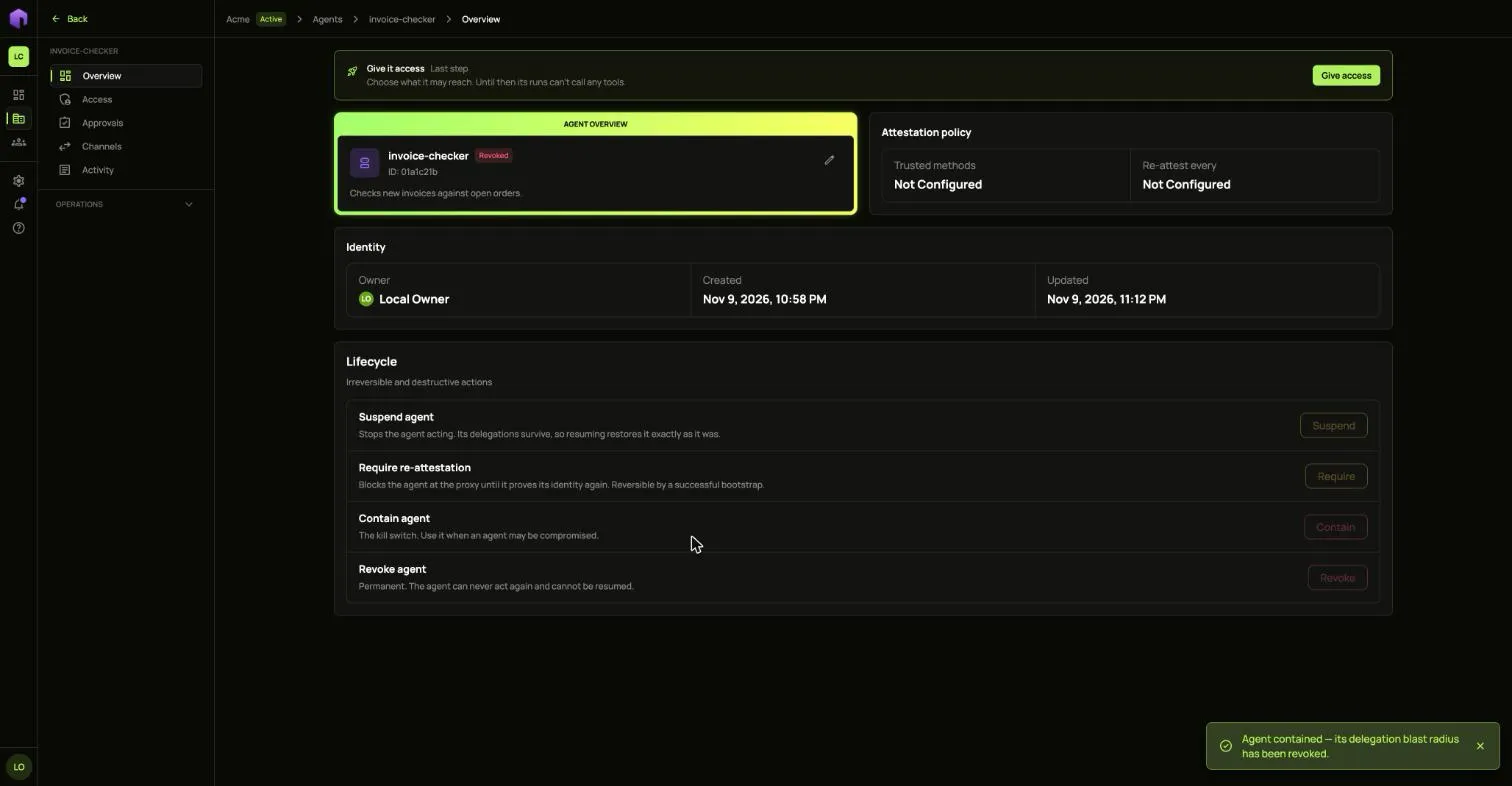
The agent then shows as Revoked and every control is greyed out.
Revoke
Section titled “Revoke”Revoke is for an agent you are finished with. It is permanent: the agent can never act again and cannot be resumed.