Add tools and model providers
A tool is one call an agent can make through a route of yours. A model provider is the language model that decides what the agent does next.
Register a tool
Section titled “Register a tool”Open Tools and choose Register tool.
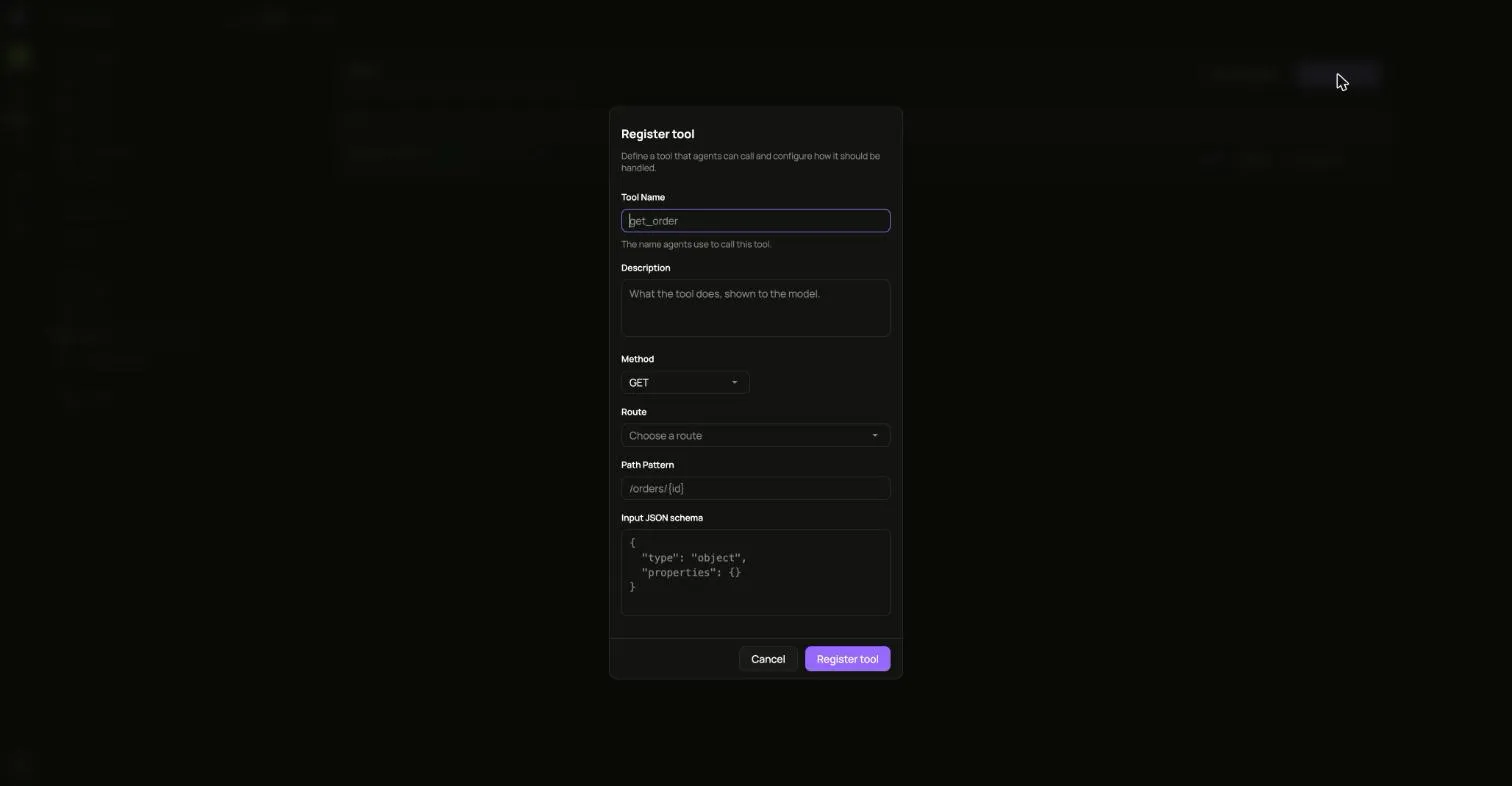
Fill in the name agents call it by, a description the model reads, the Method, the Route, the Path Pattern and the Input JSON schema. The route has to serve that method and path, or the tool is refused.
To try the idea first, choose Add examples. It adds a small set of example tools under your first route whose path ends in /*, using only the methods that route accepts. Pressing it again adds only the ones that are missing.
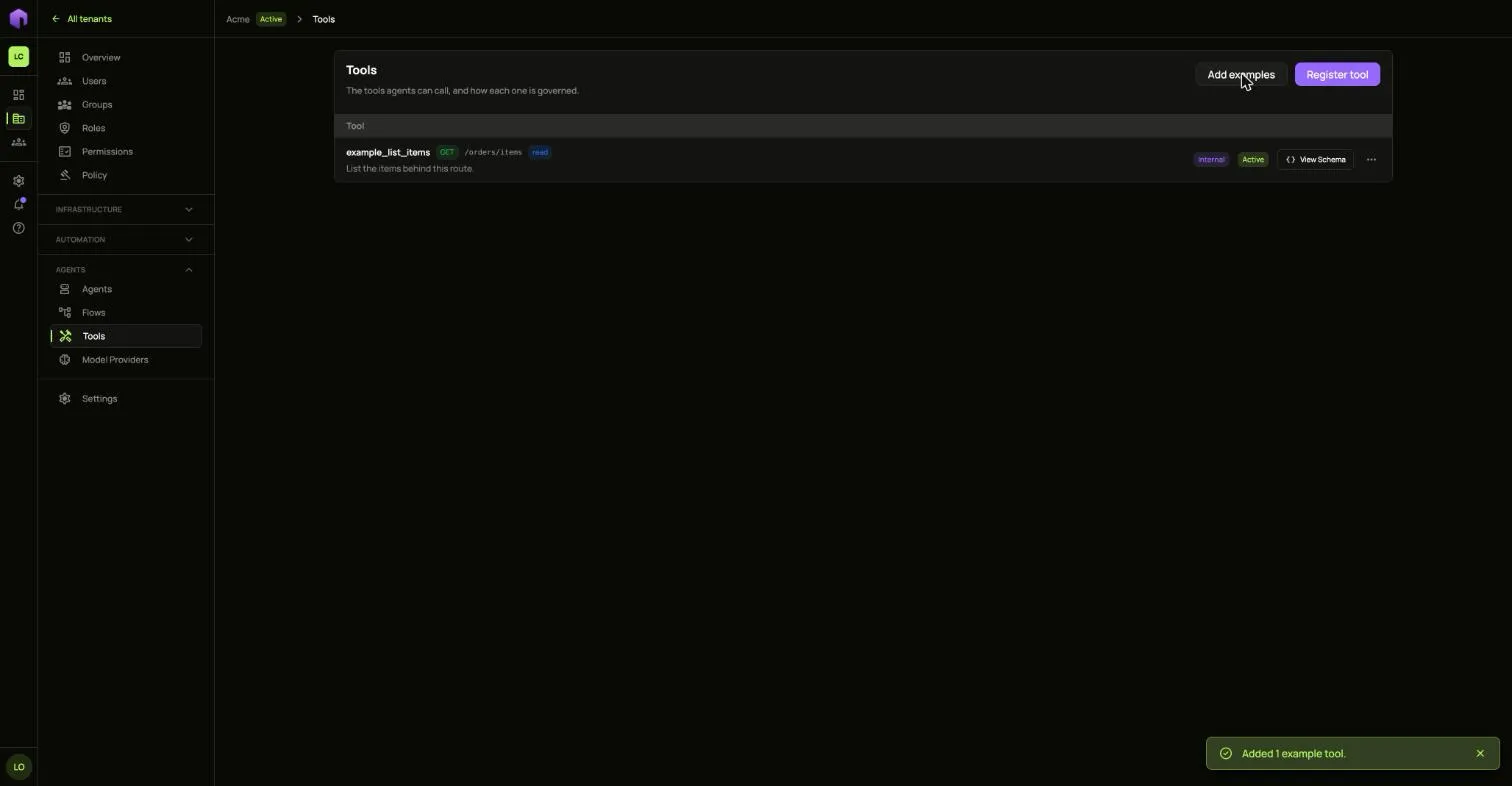
View Schema shows what a tool takes.
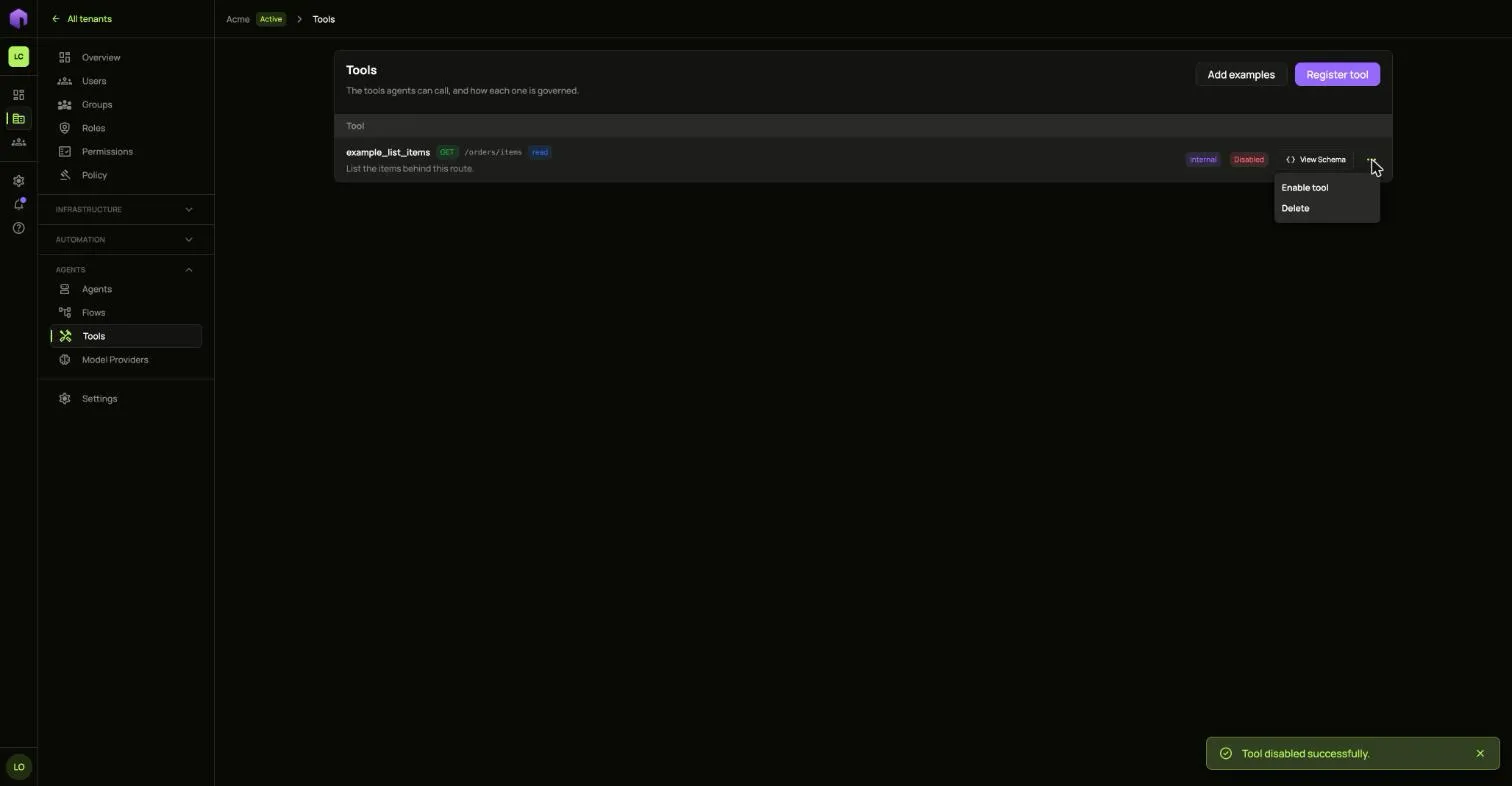
To stop agents calling a tool, open its … menu and choose Disable tool. A disabled tool can be enabled again or deleted.
Connect a model provider
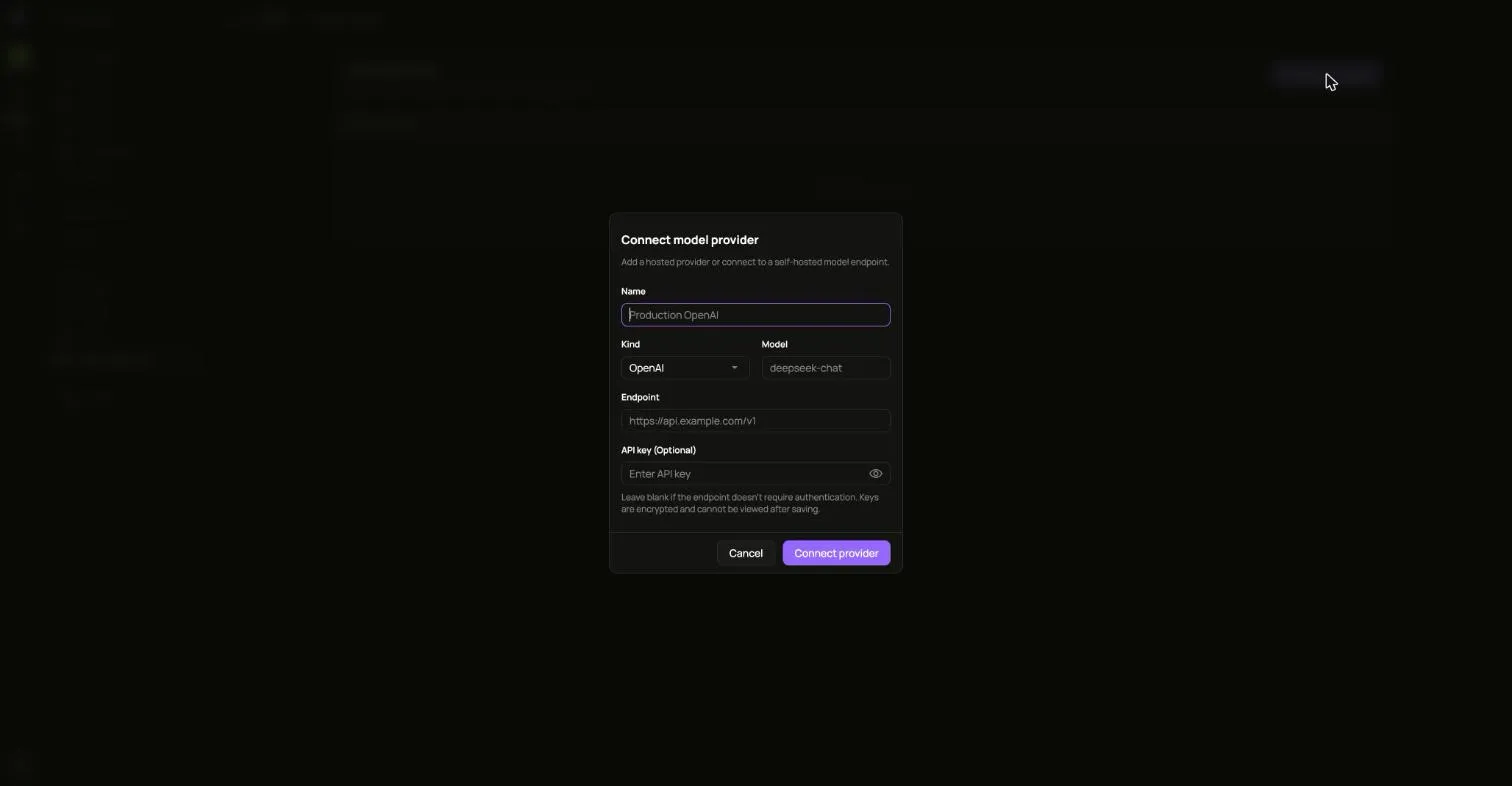
Section titled “Connect a model provider”- Open Model Providers and choose Connect provider.
- Fill in Name, Kind, Model and Endpoint.
- Add the API key if the endpoint needs one. Keys are encrypted and cannot be read back. Hosted kinds such as OpenAI need a key.
- Choose Connect provider.
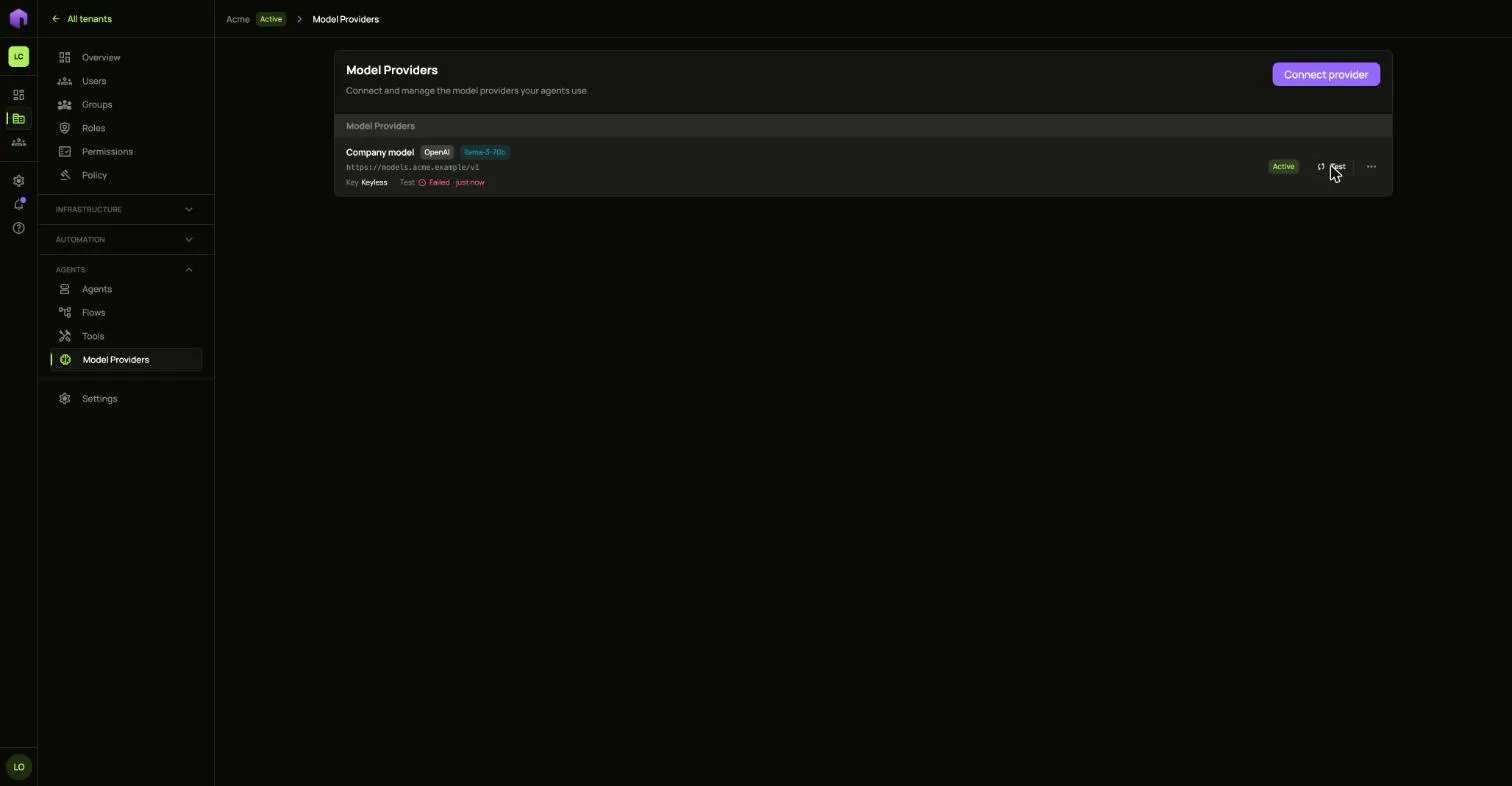
Choose Test on its row to see whether the model answers. A failure says why under the provider’s name.
Say what data it may see
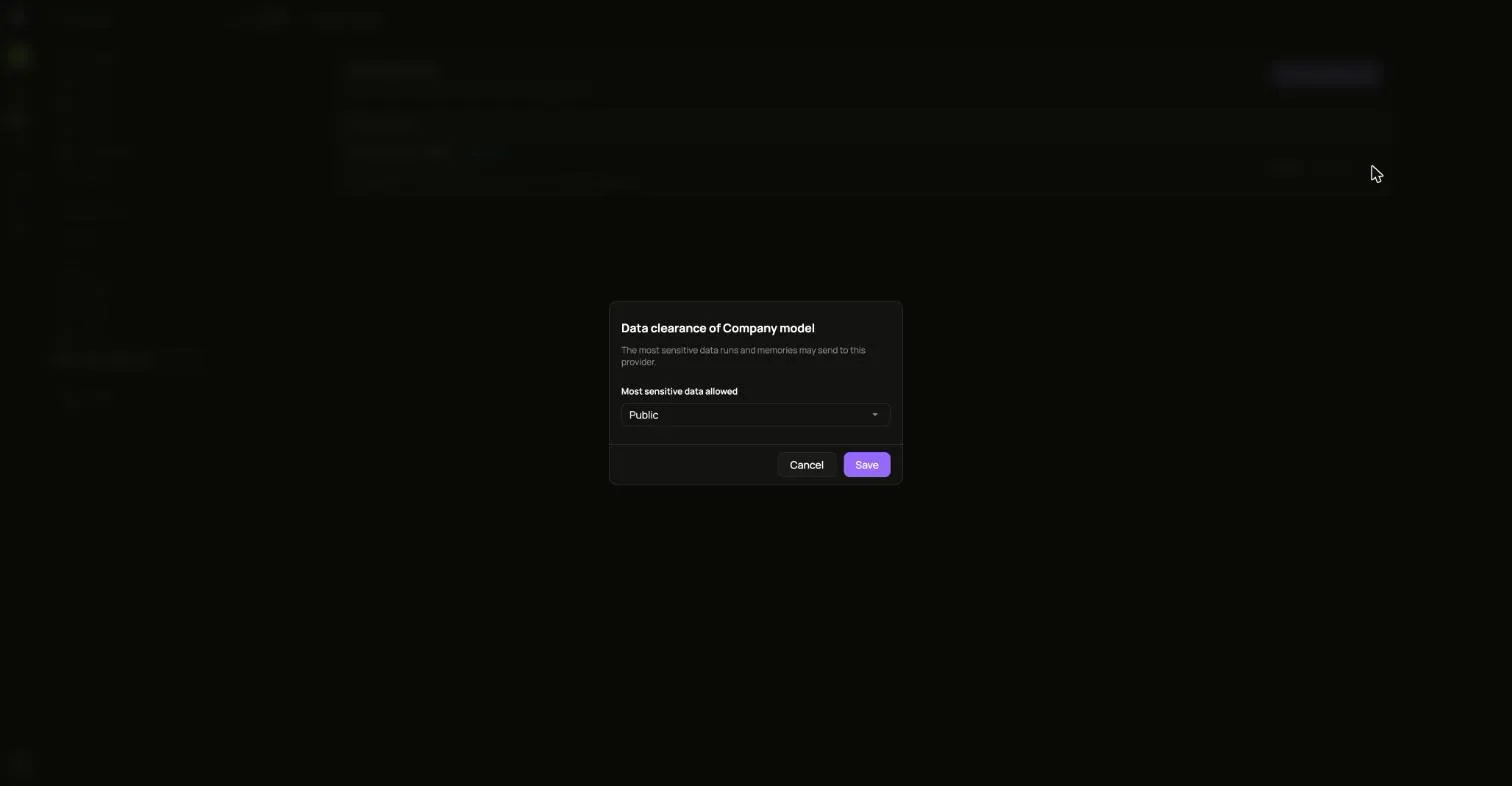
Section titled “Say what data it may see”A new provider may only be sent Public data. Open its … menu, choose Data clearance, and pick the most sensitive data runs and memories may send it.
Offer an embedding model
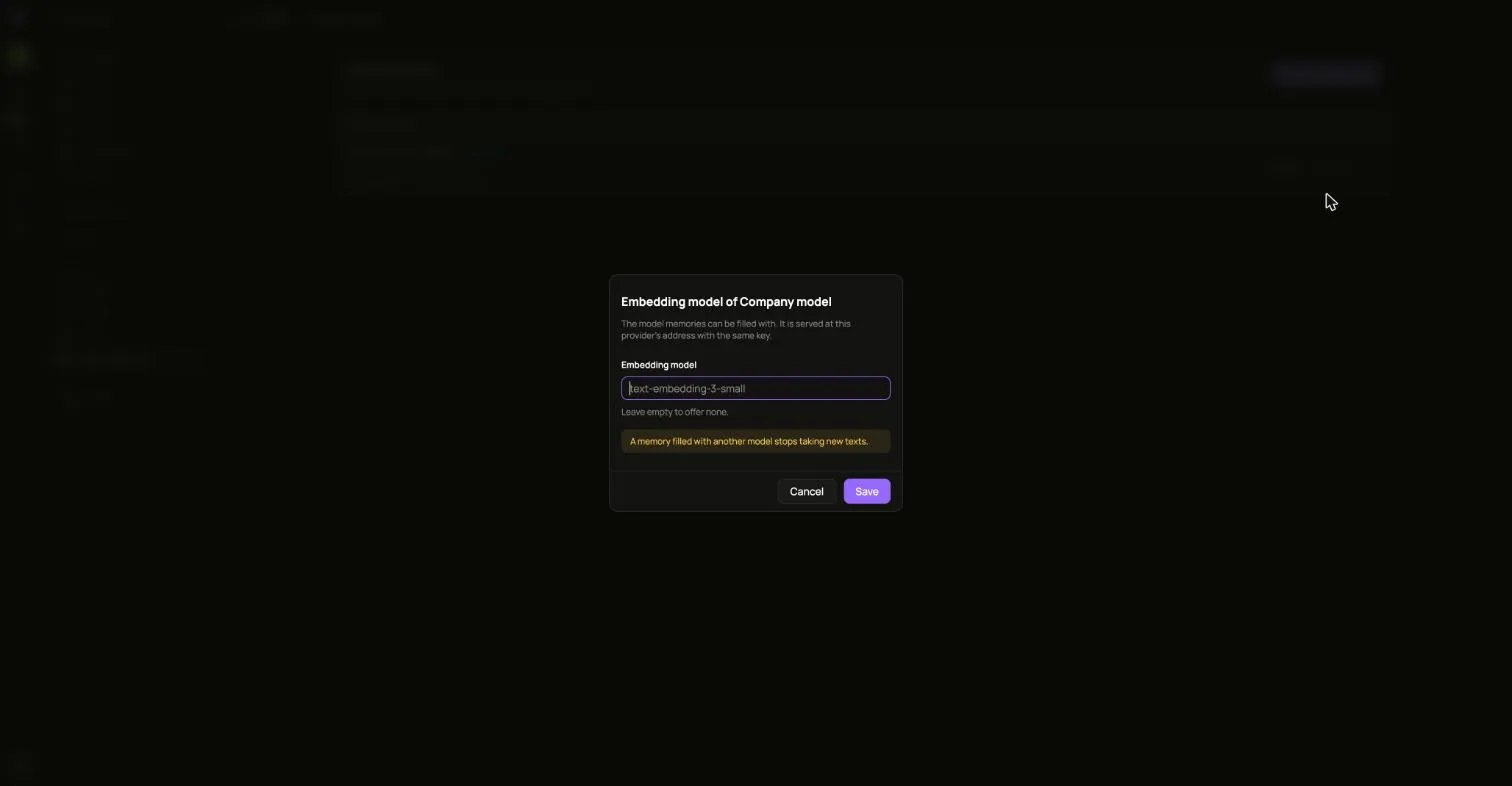
Section titled “Offer an embedding model”Memories need an embedding model. Open the provider’s … menu, choose Embedding model, and type its name. A memory filled with another model stops taking new texts.