Keep texts in a memory
A memory is a named store of texts. Workflow steps keep texts in it with Remember a text, and search it by meaning with Find similar texts.
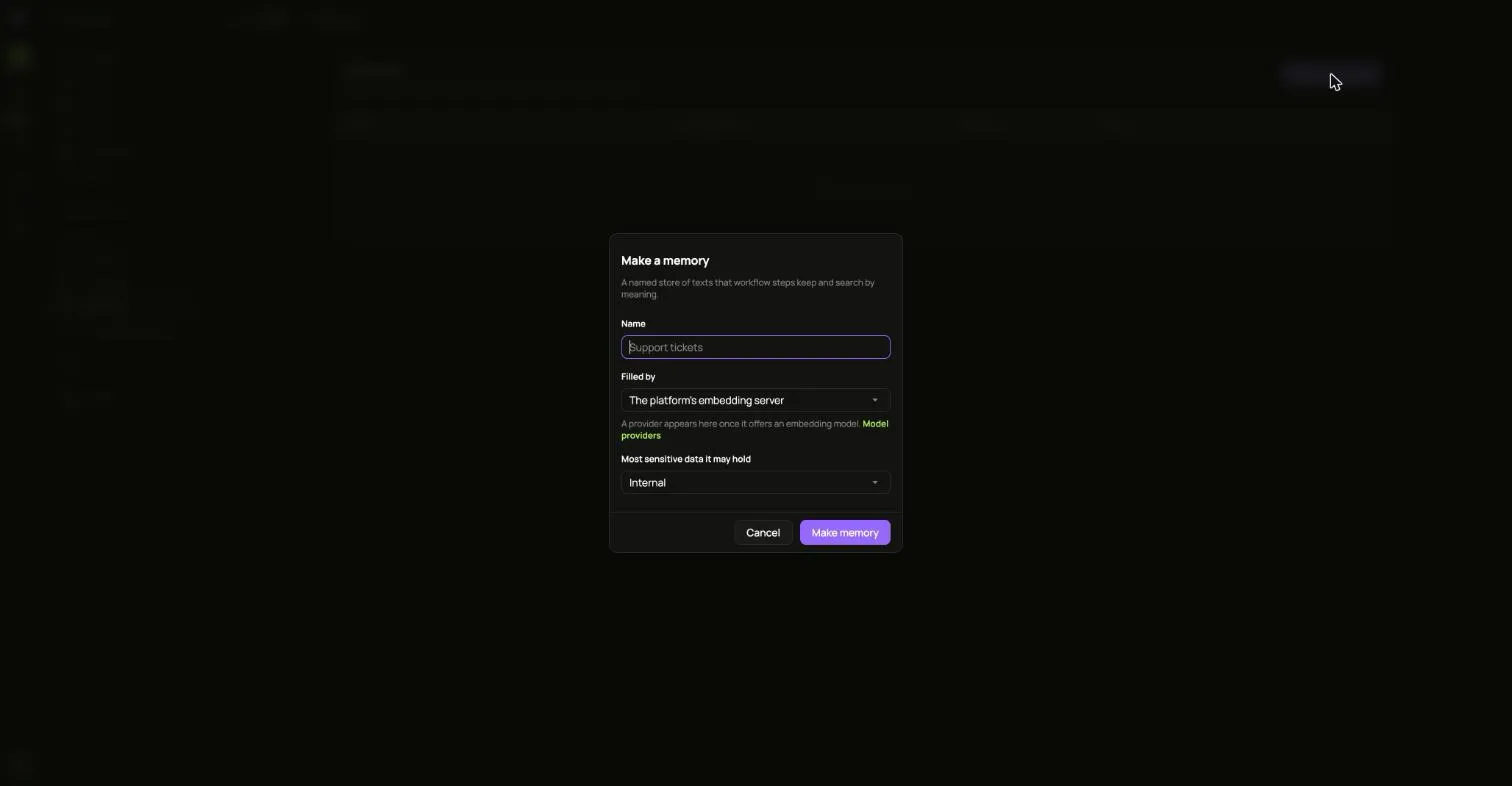
- Open Memories and choose Make a memory.
- Give it a Name.
- Under Filled by, pick the installation’s embedding server, or a model provider that offers an embedding model.
- Pick the Most sensitive data it may hold.
- Choose Make memory.
ianua asks the embedding model for one vector while making the memory, so the model has to answer at that moment. The memory is refused if:
- The installation runs no embedding server and you picked it.
- The provider’s data clearance is lower than the memory’s sensitivity.
- The model does not answer. Try again once it does.