Organization settings and audit log
Choose Settings in the outer menu, outside any tenant.
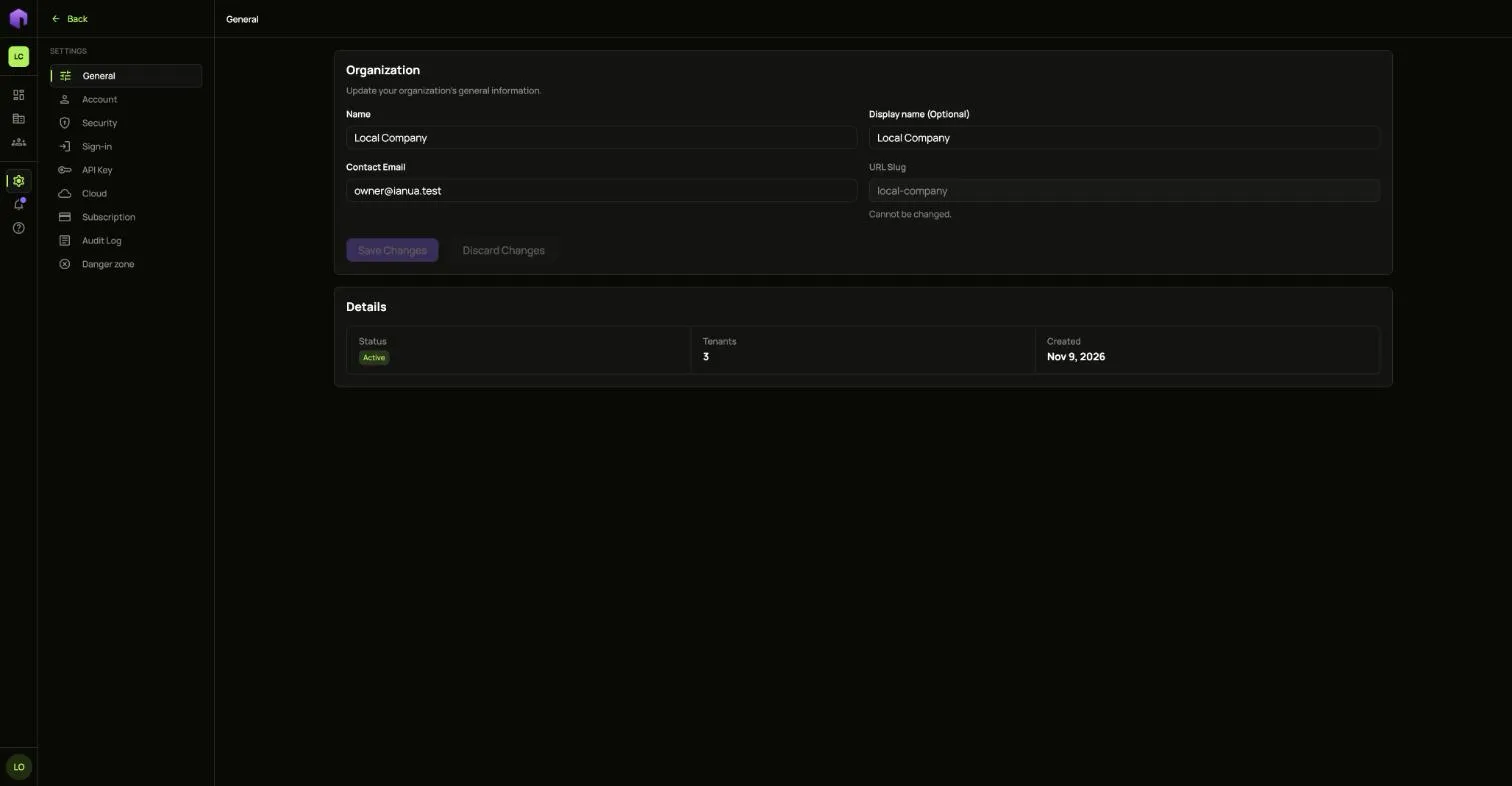
General
Section titled “General”Change the organization’s Name, Display name and Contact Email. The URL slug cannot be changed.
Account and Security
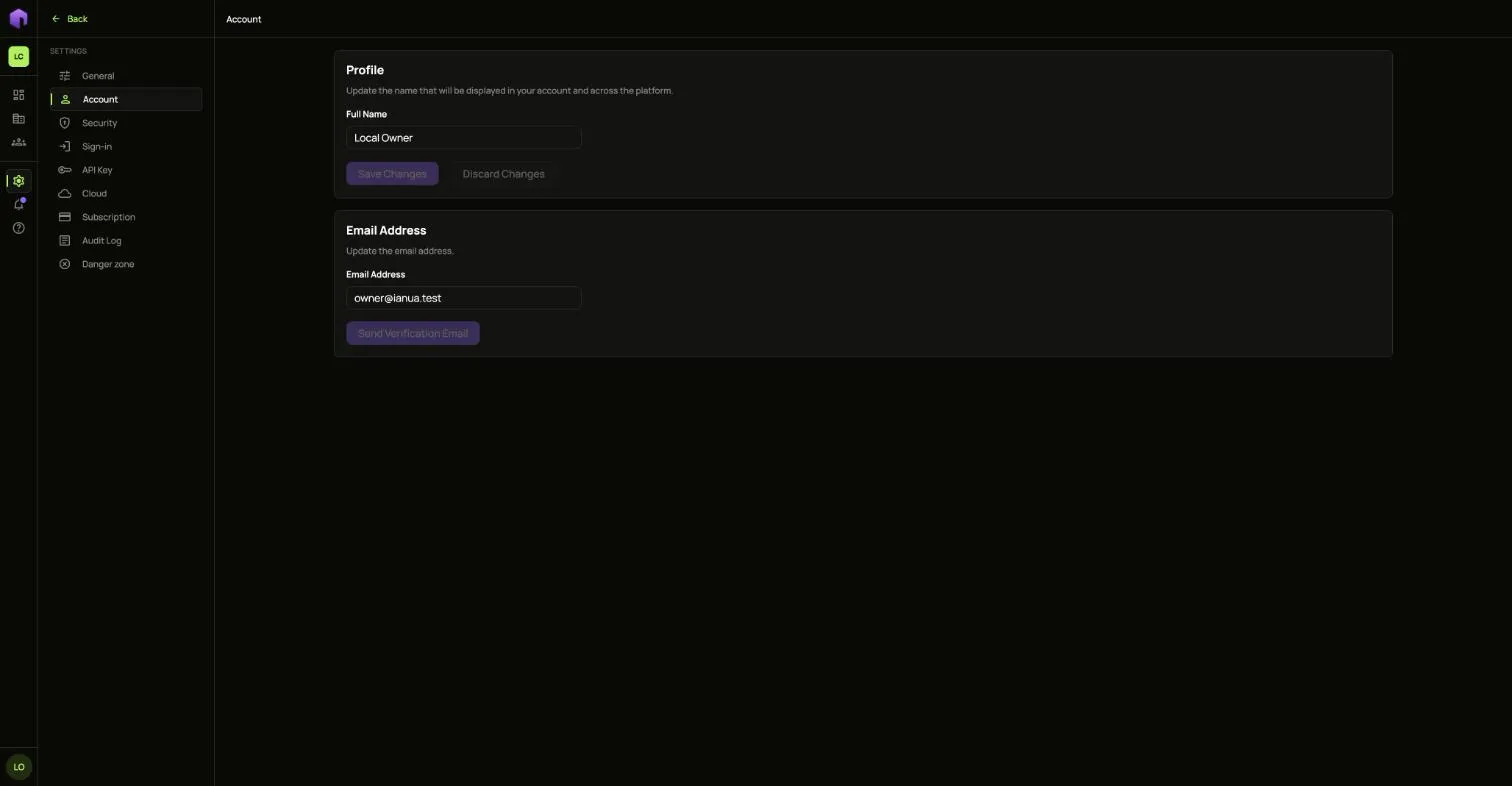
Section titled “Account and Security”Account holds your own name and email address. A new address has to be confirmed from a mail sent to it.
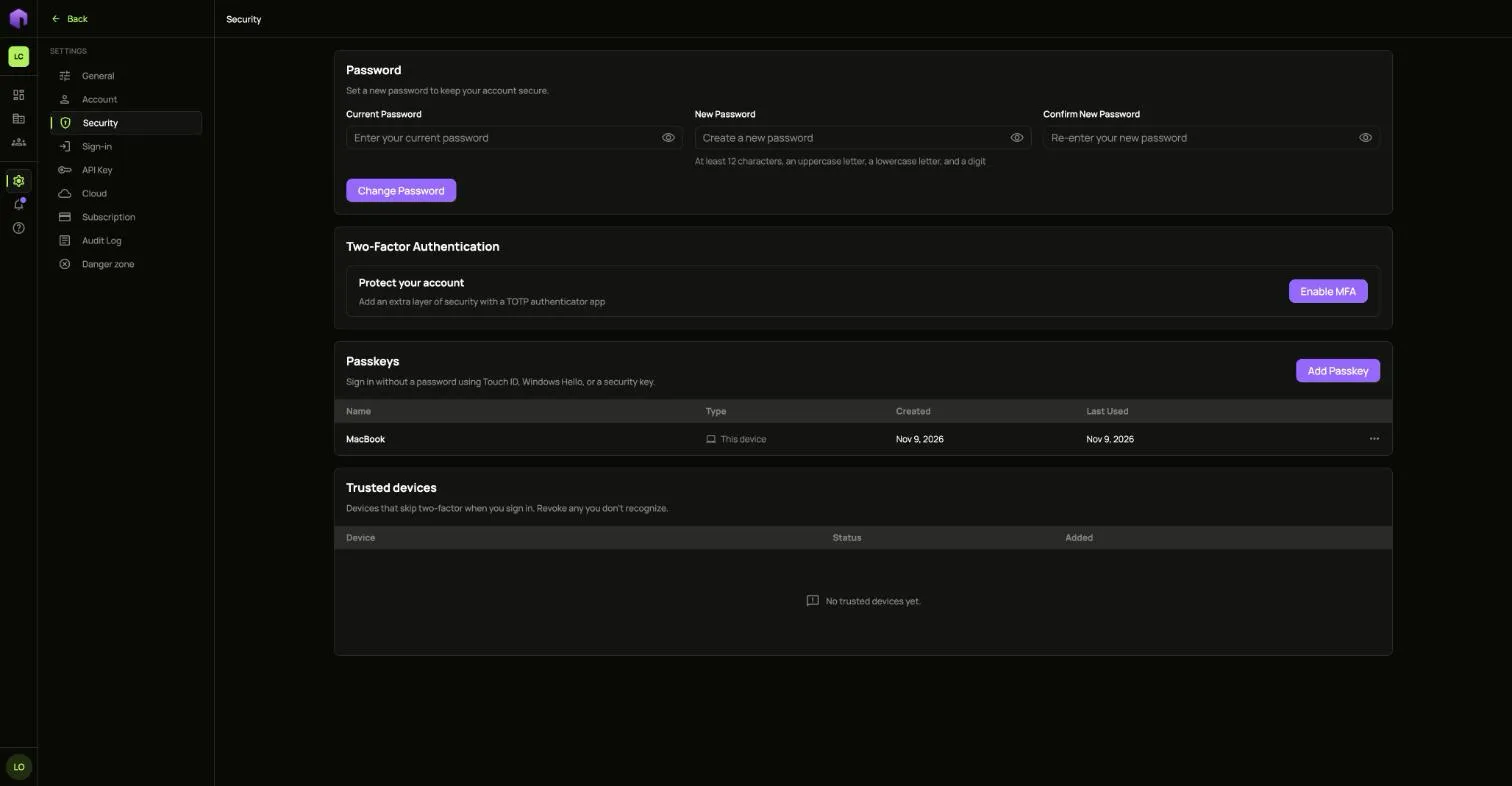
Security is where you change your password, turn on a second factor, add passkeys and remove devices you trust.
Sign-in holds the same rules as a tenant’s Sign-in settings, for your team.
API Key
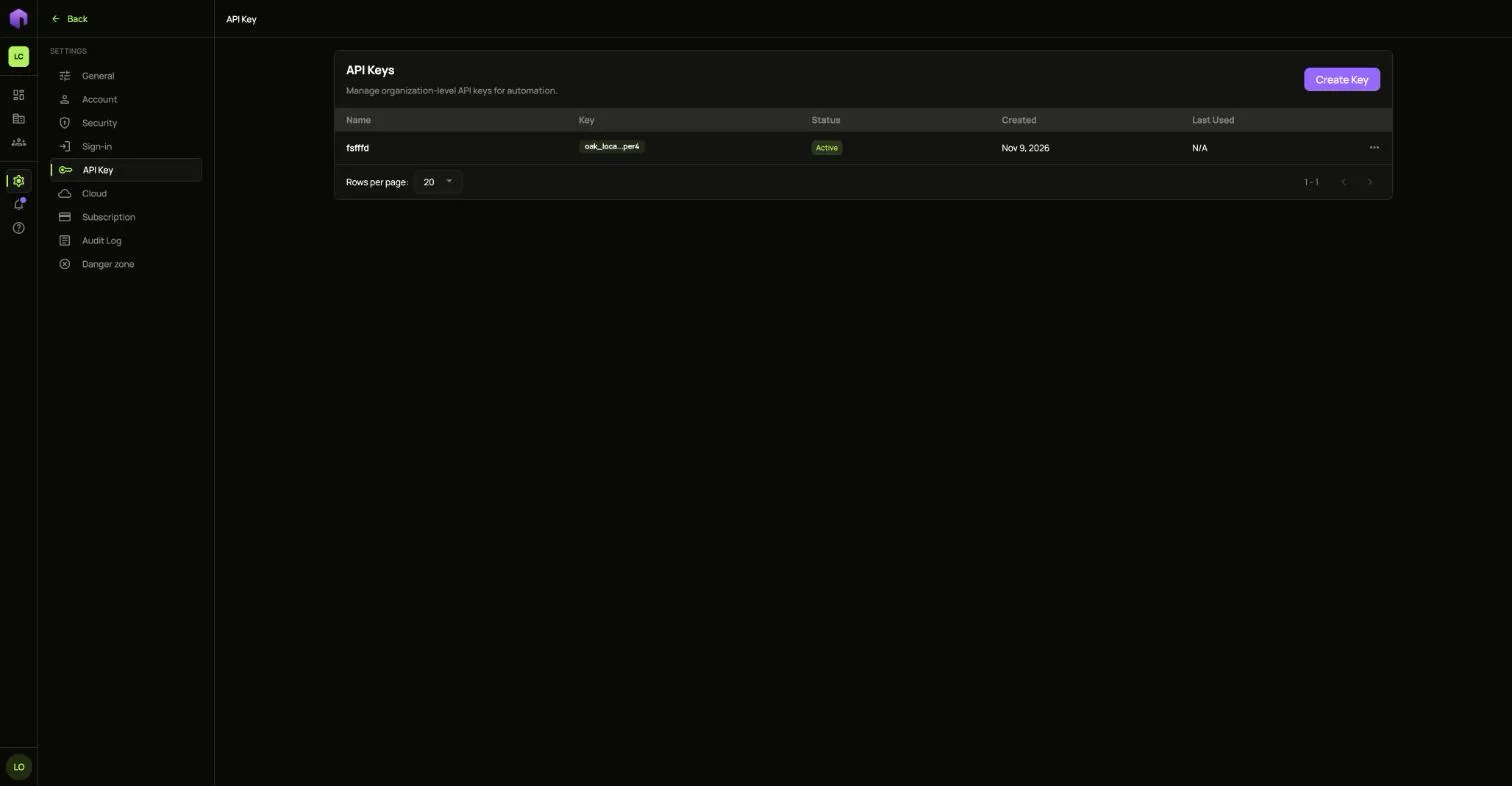
Section titled “API Key”Organization API keys are for automation. Choose Create Key. Each key’s full value is shown once.
Audit Log
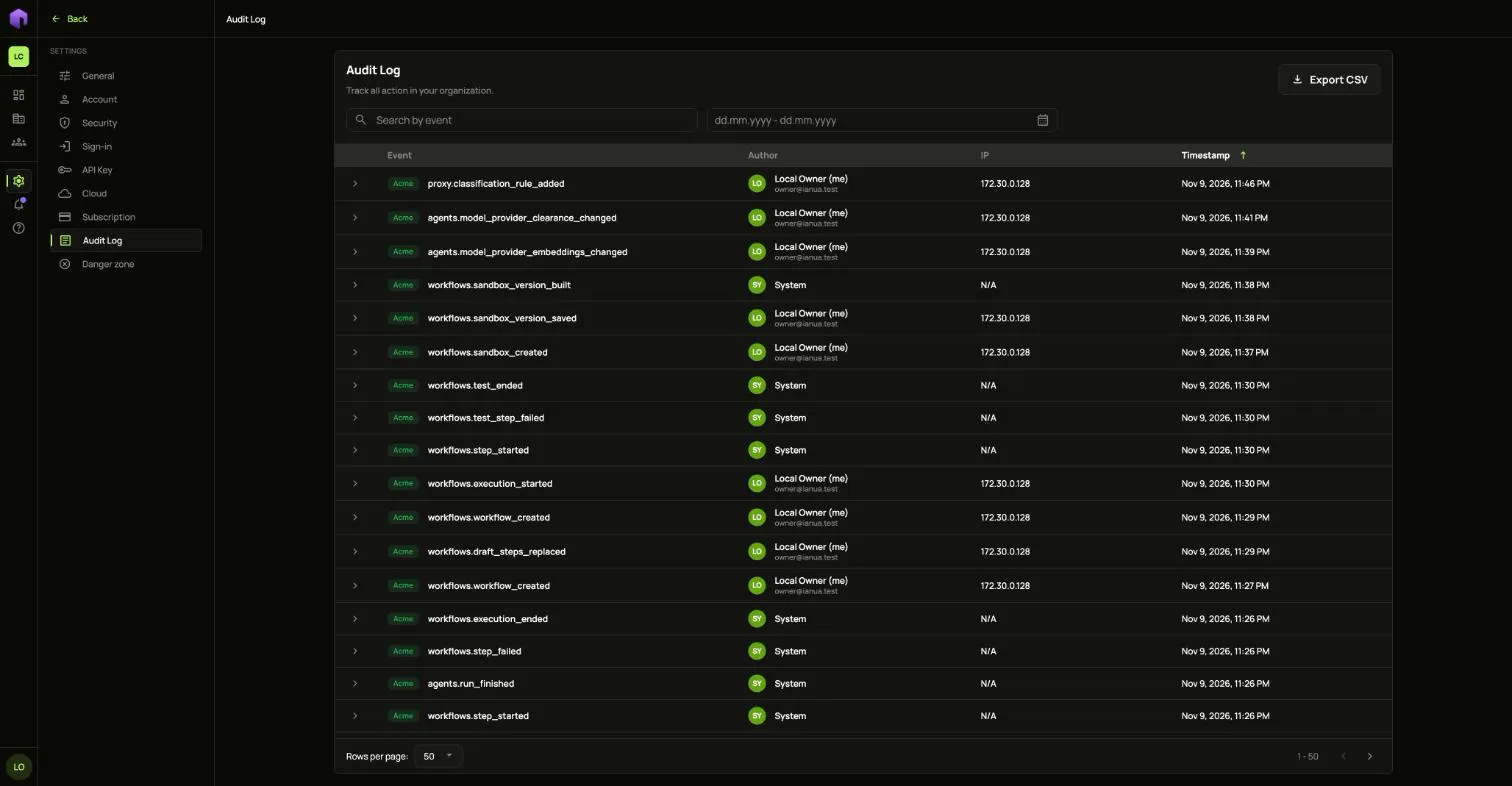
Section titled “Audit Log”Every change in the organization and its tenants is recorded here, with who did it, from where and when. Search by event, pick dates, or open a row for its details. Export CSV downloads what you filtered.
Notifications
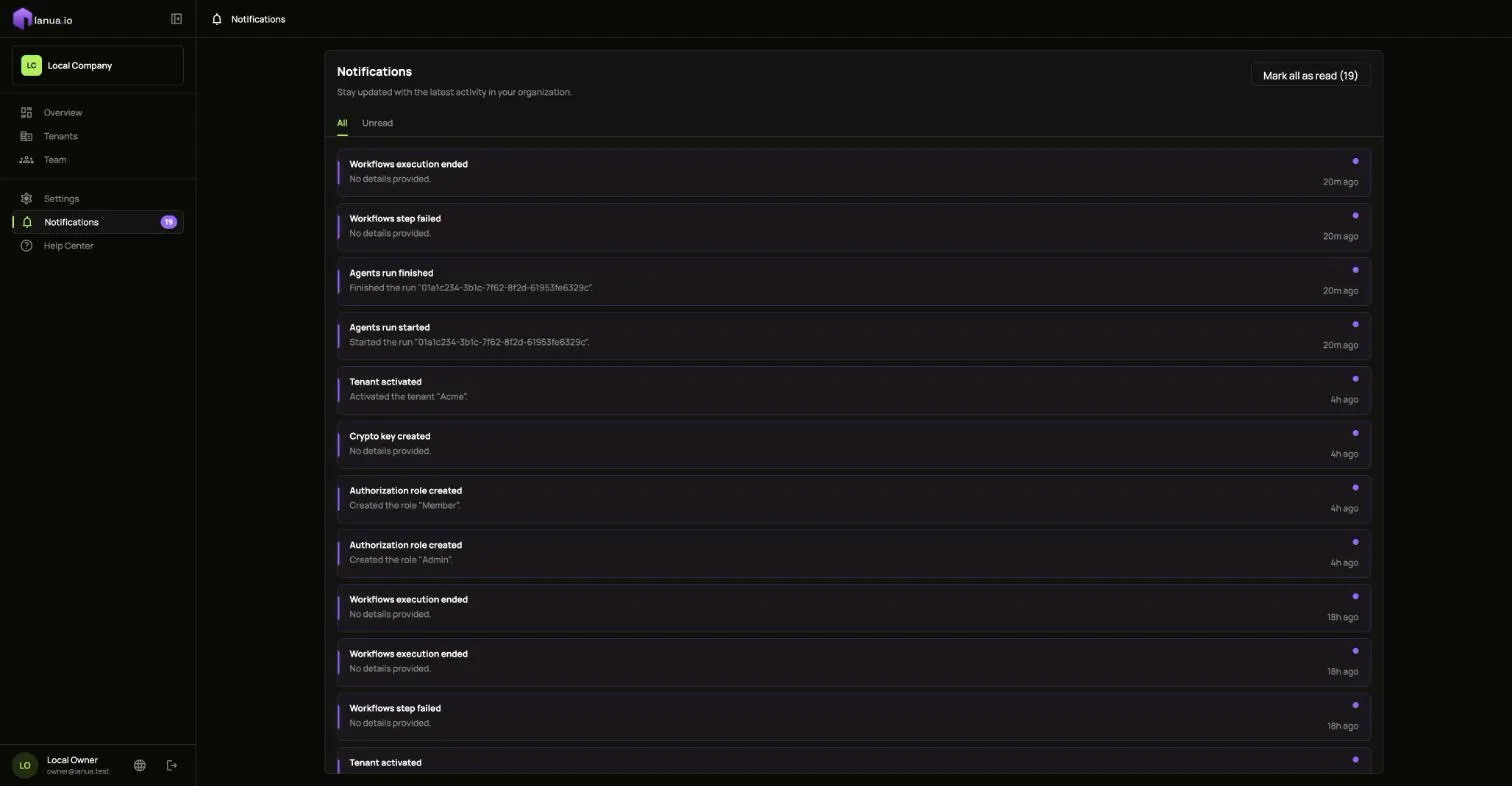
Section titled “Notifications”Notifications lists what happened in your organization. Mark all as read clears the count.
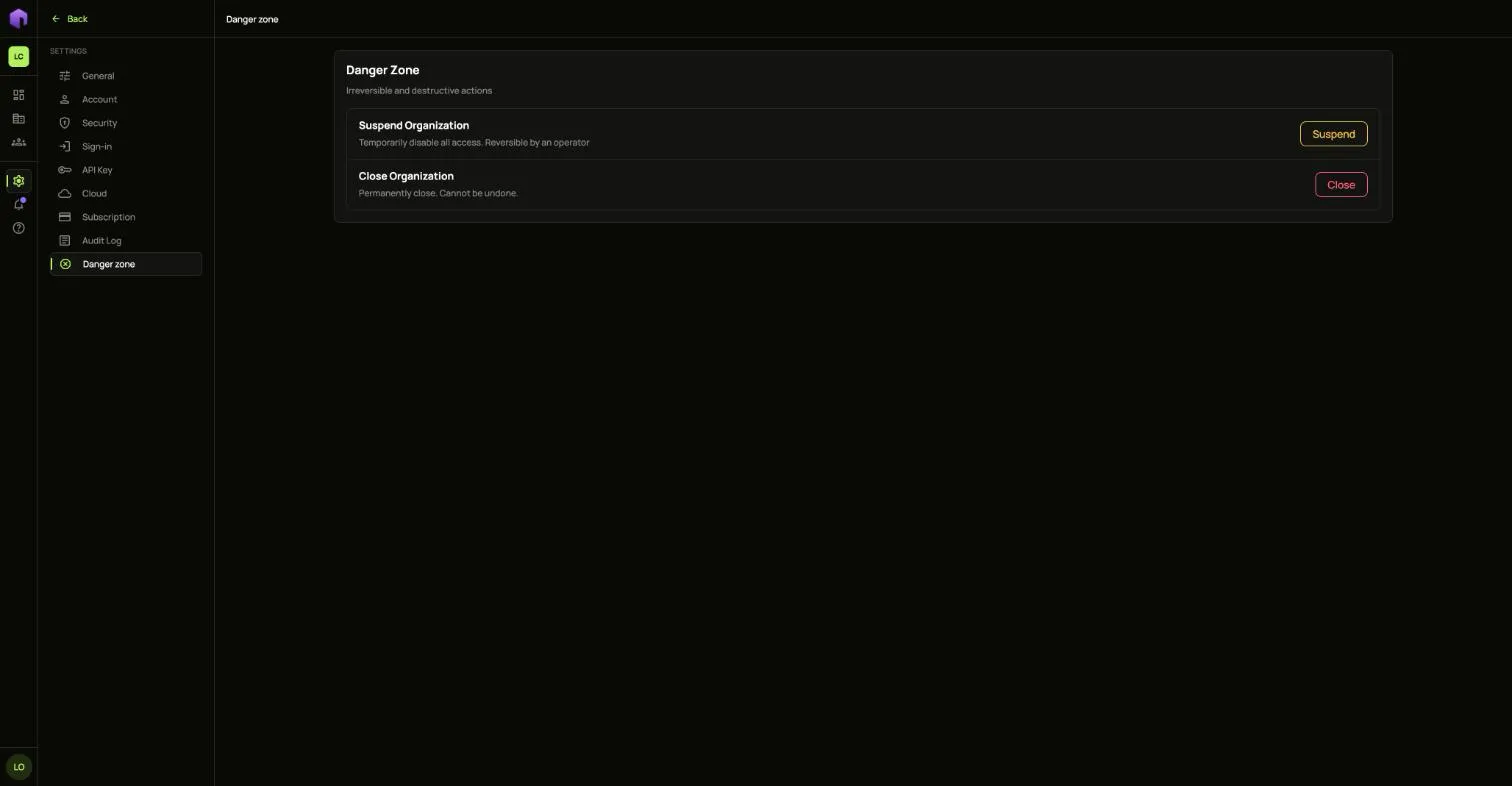
Danger zone
Section titled “Danger zone”Suspend turns off all access until an operator reverses it. Close ends the organization permanently.