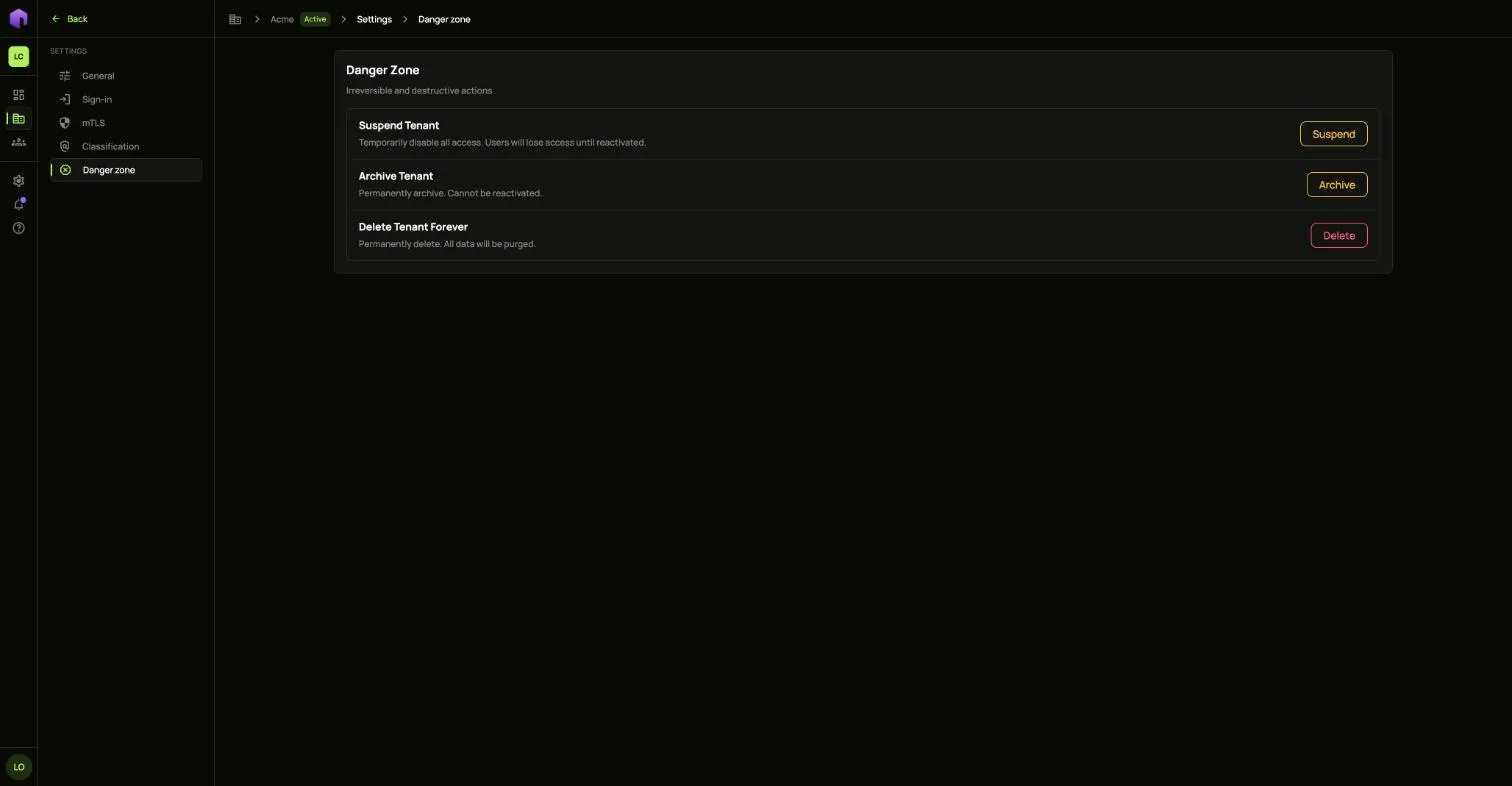
Tenant settings
Open your tenant and choose Settings at the bottom of the side menu.
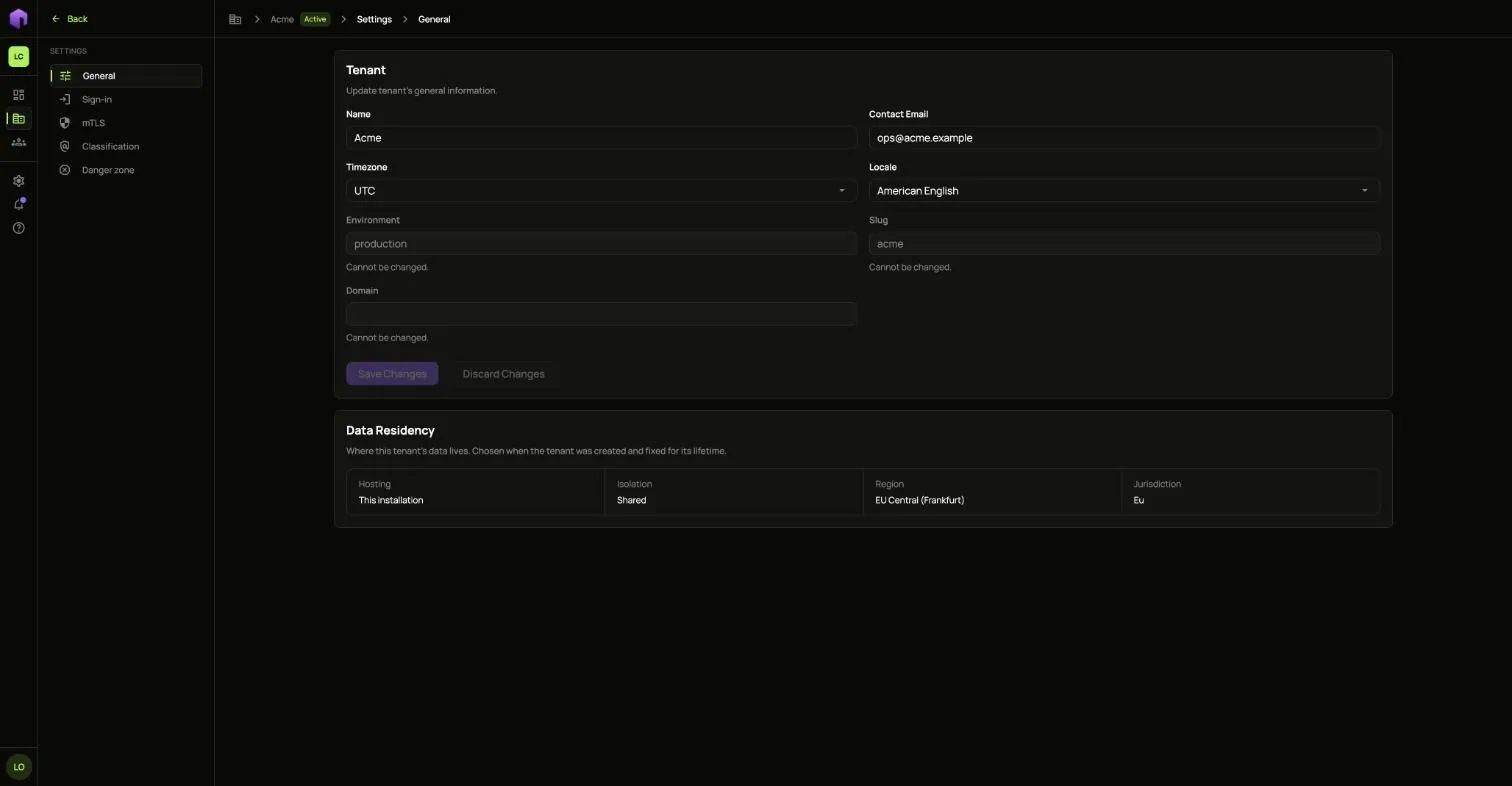
General
Section titled “General”Change the tenant’s Name, Contact Email, Timezone and Locale. The environment, the slug and the domain cannot be changed here. Data Residency shows where the tenant’s data lives, which was chosen when the tenant was created.
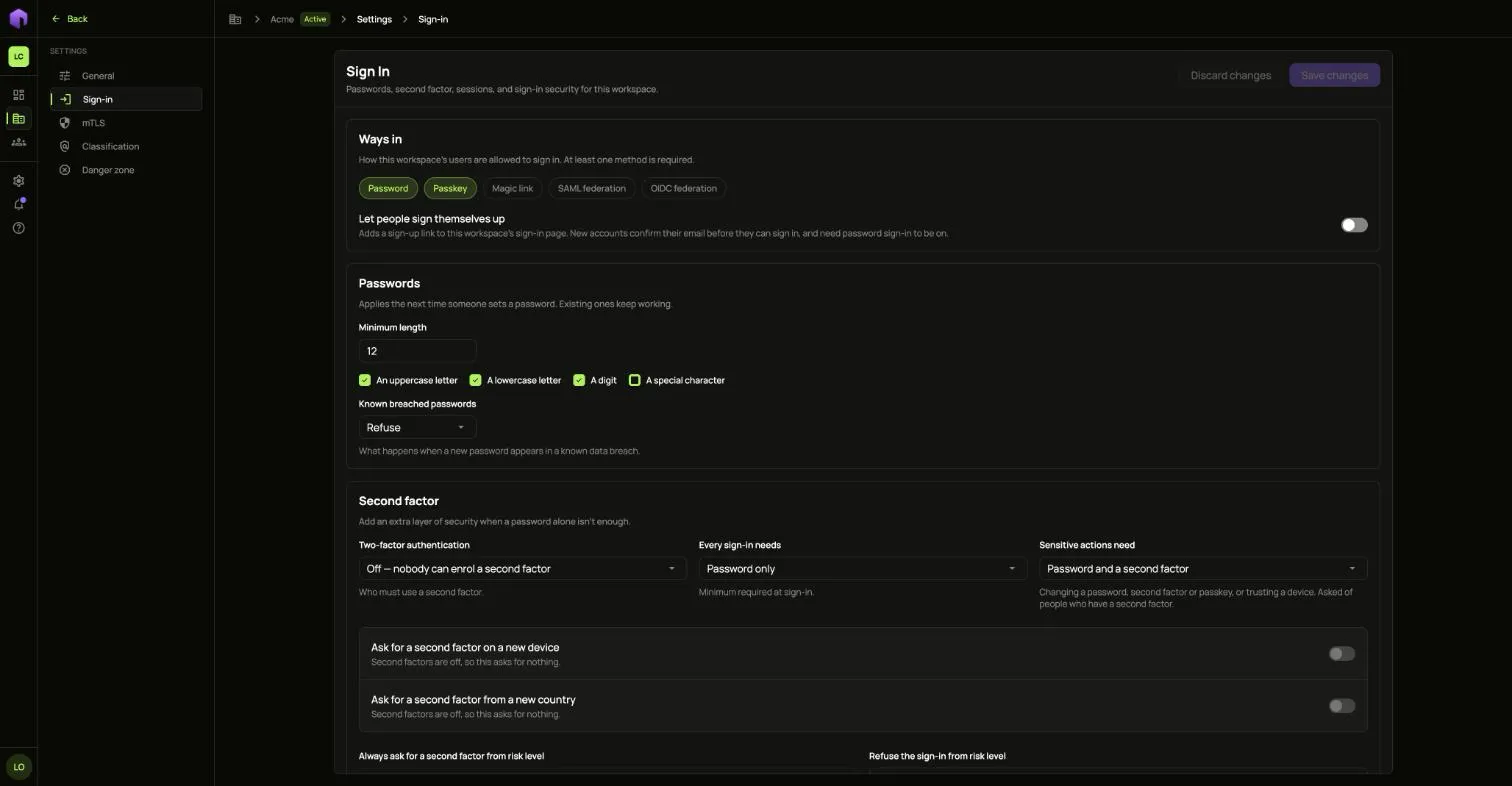
Sign-in
Section titled “Sign-in”Choose which Ways in people may use, whether they may sign themselves up, and the rules for passwords.
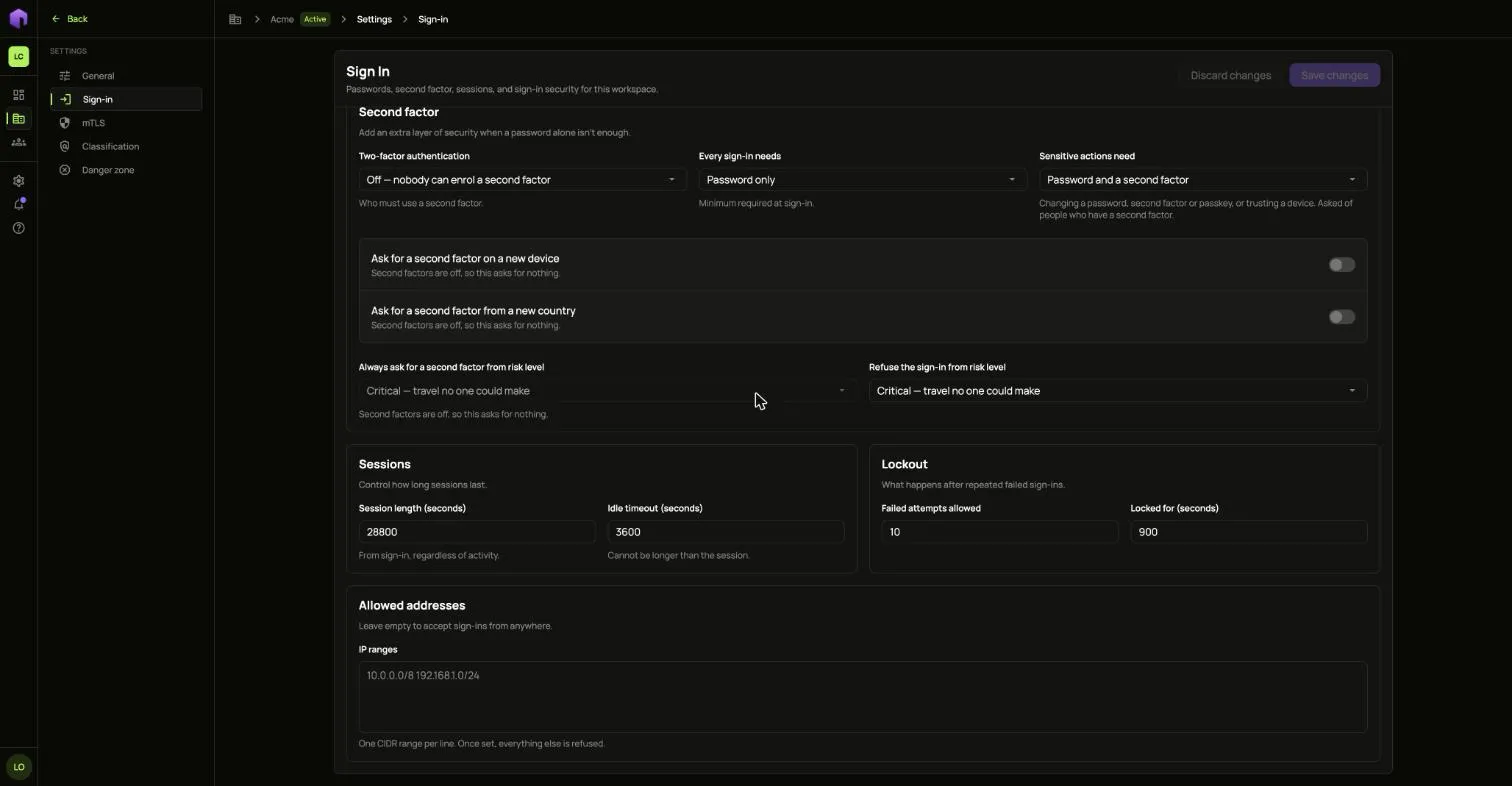
Lower down are Second factor, Sessions, Lockout and Allowed addresses. Once you add an address range, every address outside it is refused.
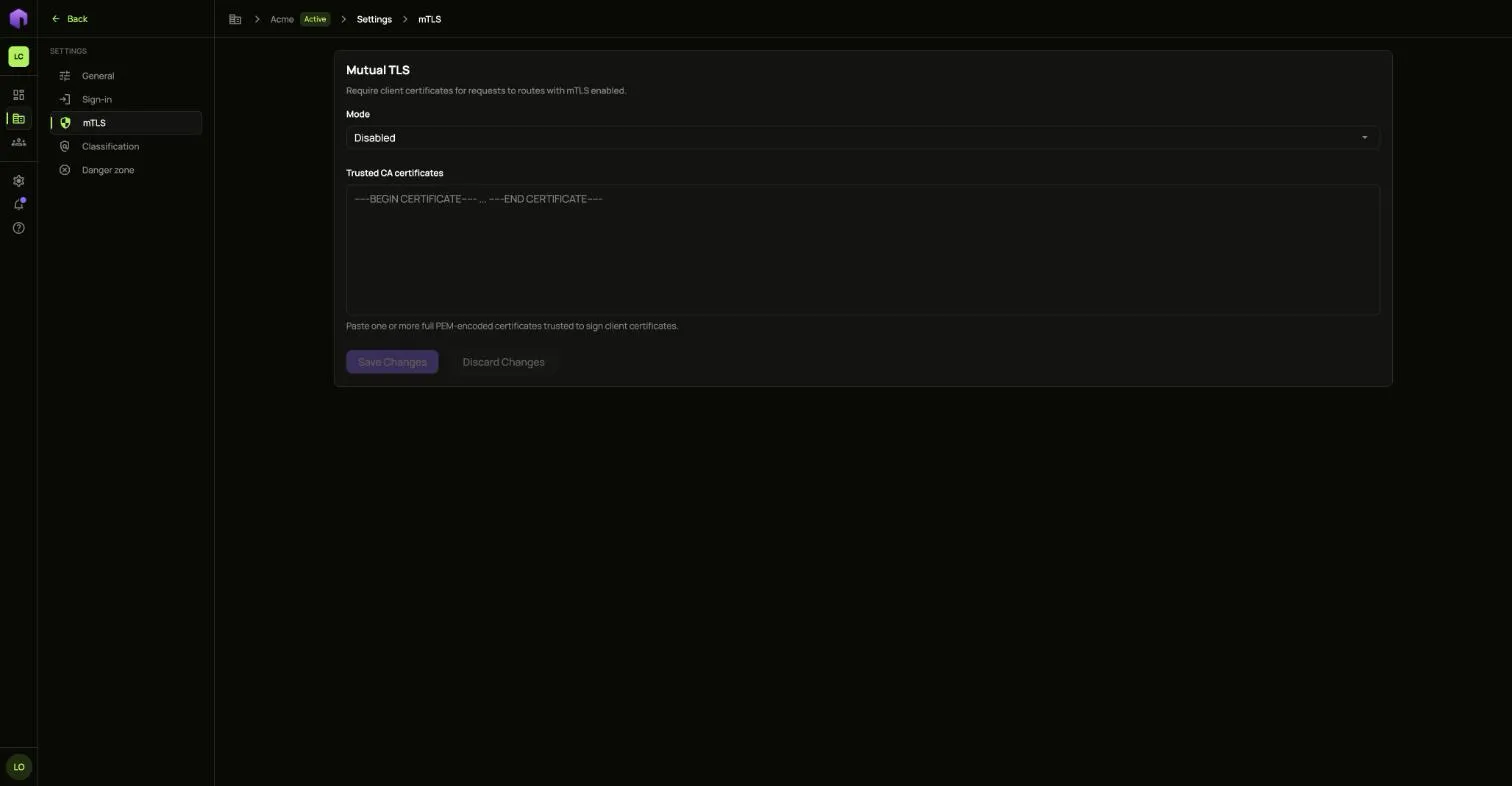
Requires client certificates on routes that have mutual TLS on. Pick the Mode and paste the certificates you trust.
Classification
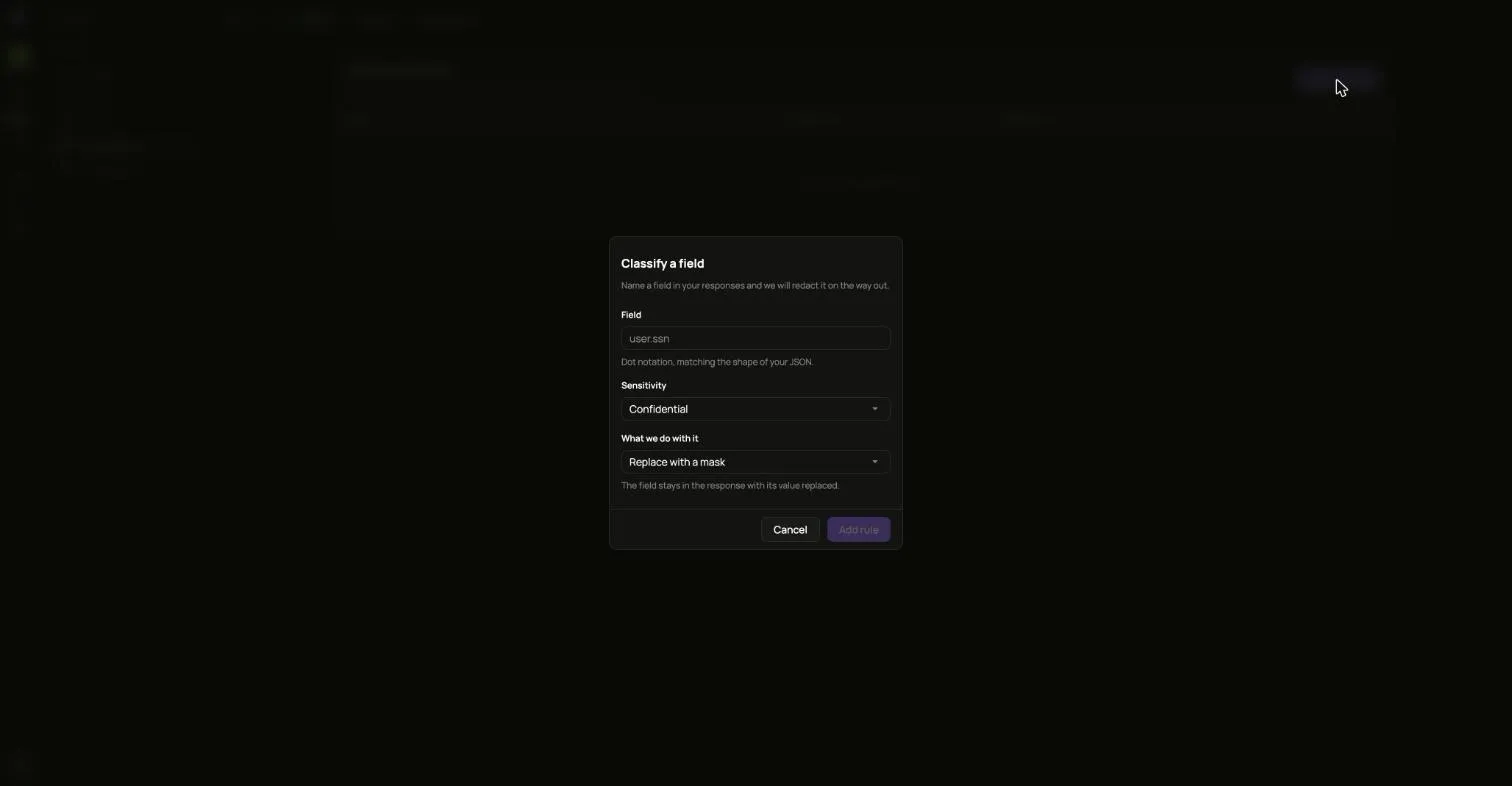
Section titled “Classification”Names the fields the gateway strips, masks or hashes in responses before they leave.
- Choose Classify field.
- Type the Field in dot notation, matching your JSON, for example
customer.card_number. - Pick its Sensitivity and What we do with it.
- Choose Add rule.
Danger zone
Section titled “Danger zone”Suspend, archive or delete the tenant. See Create and manage tenants.