Quickstart
In about ten minutes you will:
- start ianua on your machine with Docker Compose,
- confirm your owner account and sign in to the dashboard,
- put a small test app behind the gateway, and
- watch the gateway let one request through and refuse another.
Everything runs locally under *.localhost names, so there is no DNS to set up.
Before you start
Section titled “Before you start”- Docker with Docker Compose.
- Ports 80 and 443 free on your machine.
git,curl,opensslandjq.- Chrome, Firefox or Edge. They send every
*.localhostname to your own machine. Safari does not.
1. Get the files
Section titled “1. Get the files”git clone https://github.com/IanuaIDP/ianua.gitcd ianua/deploy/compose2. Configure it
Section titled “2. Configure it”Create a .env file for a local install. This writes it for you, with fresh random secrets:
cat > .env <<EOFIANUA_DASHBOARD_HOST=ianua.localhostIANUA_API_HOST=api.ianua.localhostIANUA_APPS_DOMAIN=apps.localhost
INSTALL_ORGANIZATION_NAME=AcmeINSTALL_TENANT_NAME=MainINSTALL_OWNER_EMAIL=you@example.comINSTALL_OWNER_NAME=YouINSTALL_OWNER_PASSWORD="Violet otters juggle 42 brass lanterns at dusk"
ACME_EMAIL=you@example.comACME_DIRECTORY_URL=https://acme-staging-v02.api.letsencrypt.org/directory
POSTGRES_PASSWORD=$(openssl rand -hex 32)APP_DATABASE_PASSWORD=$(openssl rand -hex 32)AUDIT_PURGE_DATABASE_PASSWORD=$(openssl rand -hex 32)HMAC_SECRET=$(openssl rand -hex 32)ENCRYPTION_KEY=$(openssl rand -hex 32)EVENT_SIGNING_SECRET=$(openssl rand -hex 32)
EMAIL_FROM=noreply@example.comEMAIL_FROM_NAME=IanuaSMTP_HOST=localhostEOF
What these mean:
- The three hosts are where the dashboard, the API and your apps will live.
INSTALL_*is what the install step makes: your organization, its first tenant and its owner. The password needs at least 12 characters, with an uppercase letter, a lowercase letter and a digit, and must not appear in known data breaches: the install step looks it up, and refuses it with a “try again” if the lookup cannot be made. A sentence of your own makes a good one: keep the double quotes around it, so its spaces stay part of it. Only the install step reads these, and the server refuses them, so the compose file gives them to theinstallservice alone. The first password never stays in the server’s environment.- The three keys protect stored secrets, tokens and events. Each must be exactly 32 random bytes, which
openssl rand -hex 32makes. Never changeENCRYPTION_KEYafter the first start: data encrypted with it cannot be read with another. - Three database passwords.
POSTGRES_PASSWORDis the database superuser, which sets up and upgrades the database.APP_DATABASE_PASSWORDis for the ordinary account ianua runs as, which the database itself confines to one tenant’s data at a time.AUDIT_PURGE_DATABASE_PASSWORDis for the one account that may remove old audit records. - Email is a placeholder here. Set
SMTP_HOSTto a real SMTP server, withSMTP_USERNAMEandSMTP_PASSWORDif it needs a login: the first time you sign in from a browser ianua has not seen, it mails you a link to confirm the sign-in, and invitations and password resets are mailed too.
3. Start it
Section titled “3. Start it”docker compose up -dThe first start downloads the images and builds the dashboard, which takes a few minutes. Check that everything is up:
docker compose ps -aYou should see traefik, dashboard, ianua, zero, postgres, nats and redis running, and install exited with code 0.
4. Confirm the owner
Section titled “4. Confirm the owner”Before anything else runs, the install service sets the database up and makes your organization, its first tenant and its owner from INSTALL_*. Then it stops. Run again, it finds the organization and changes nothing.
The first time, it prints a one-time setup token that confirms the owner’s email address. Read it:
docker compose logs installSend it to the API within a day. -k accepts the local certificate:
curl -k -X POST https://api.ianua.localhost/api/v1/users/confirm-installer \ -H 'Content-Type: application/json' \ -d '{"token": "<the token>"}'5. Sign in
Section titled “5. Sign in”Open https://ianua.localhost and sign in with the email and password from your .env. You have no second factor yet and this browser is new to ianua, so it mails you a link first. Follow it to finish signing in.
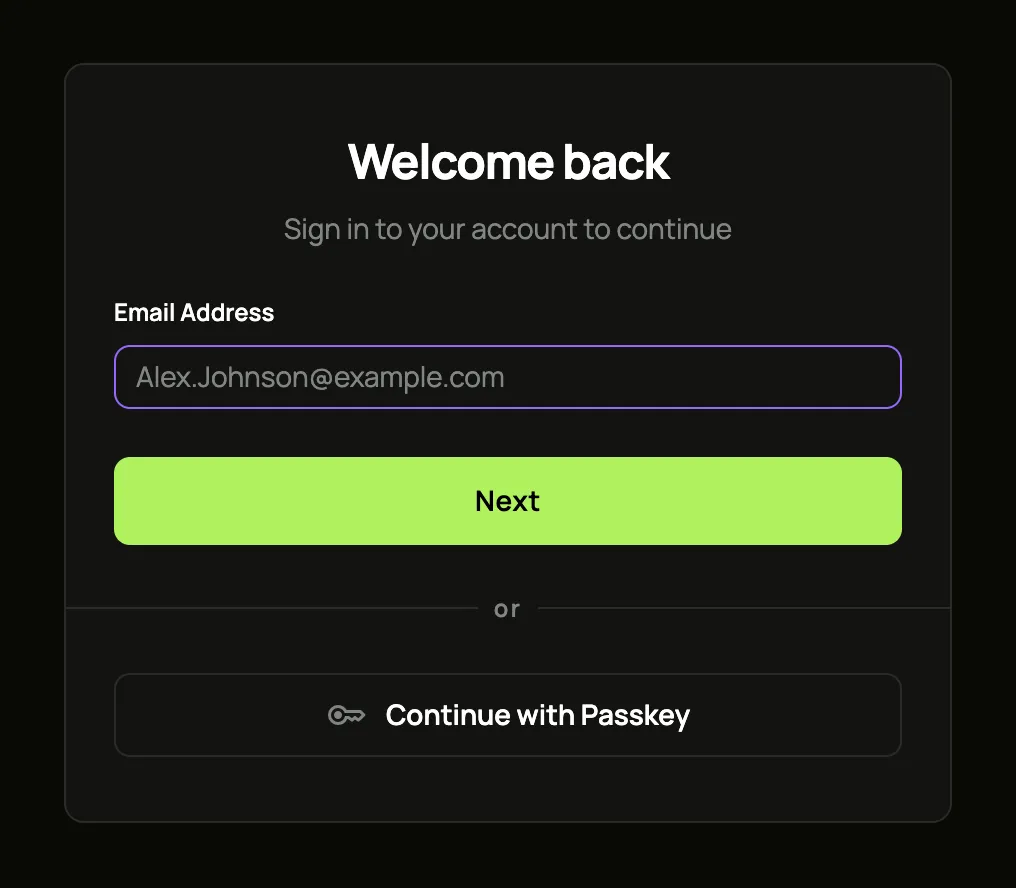
Your browser will warn about the certificate. That is expected: Let’s Encrypt cannot reach a machine at localhost, so a local, untrusted certificate is used. Accept it to continue. On a real server with a real domain, certificates are issued automatically.
6. Start a test app
Section titled “6. Start a test app”The test app echoes back every request it receives, so you can see exactly what reaches it. Start it on the same network as ianua:
docker run -d --name hello --network ianua_ianua traefik/whoamiNotice that it has no login of its own, and no published port. The only way to reach it from outside is through the gateway.
7. Put it behind the gateway
Section titled “7. Put it behind the gateway”Three things make an app reachable:
- a pipeline: the list of checks every request goes through;
- a service: where the app lives;
- a route: which paths go to that service, and who may use them.
Set them up the way that suits you. Both end in exactly the same place, and both finish by showing the gateway at work.