Identity connections and security signals
Connections
Section titled “Connections”Open Connections and choose Add Connection to connect a SAML or OIDC identity provider.
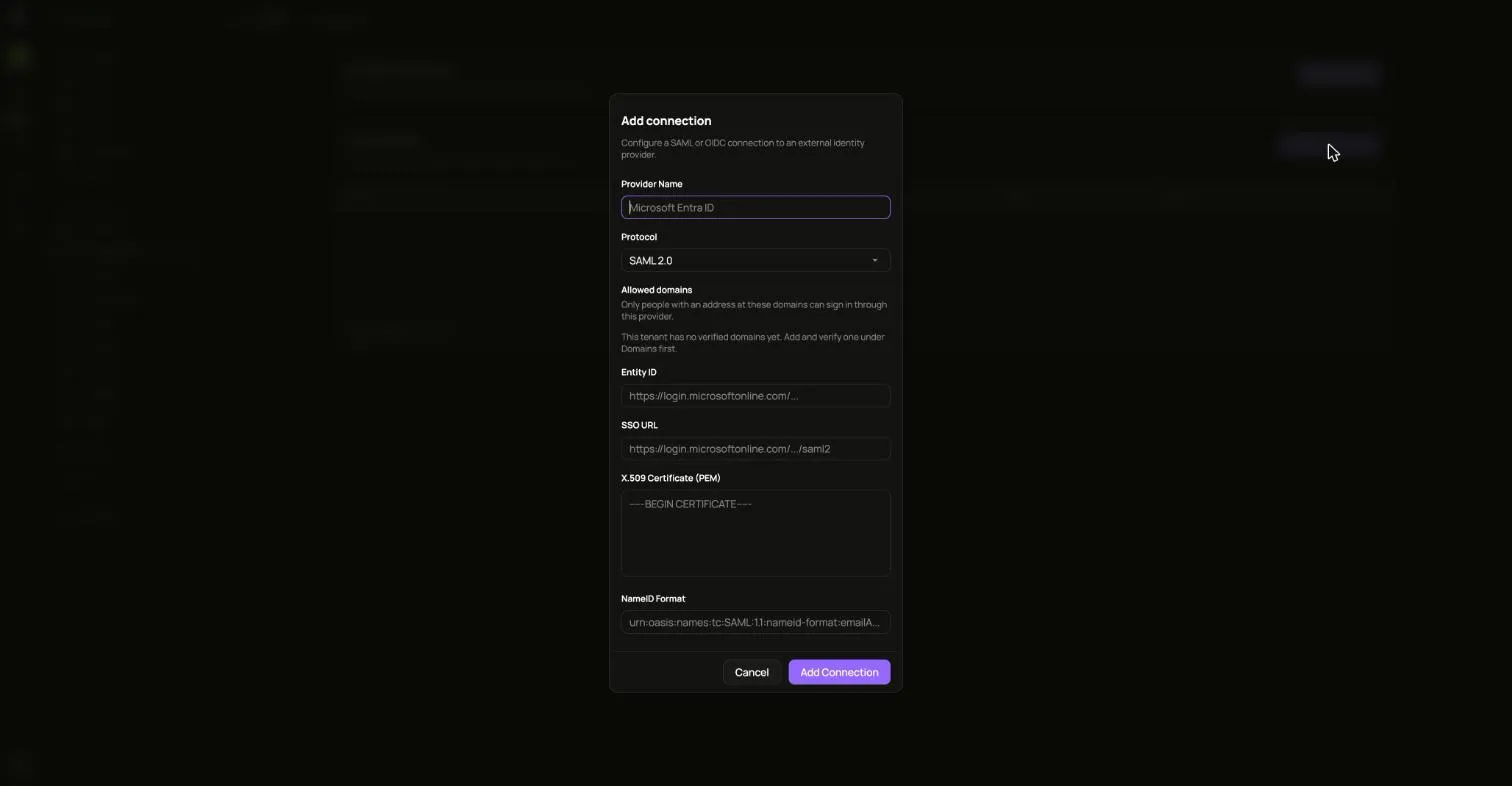
Allowed domains limits sign-in through that provider to people with an address at those domains.
Disabling a connection stops new sign-ins through it until you turn it back on. Sessions people already have are not affected.
SCIM syncs users automatically from your identity provider. Turn it on for a connection and copy the bearer token. It is not shown again.
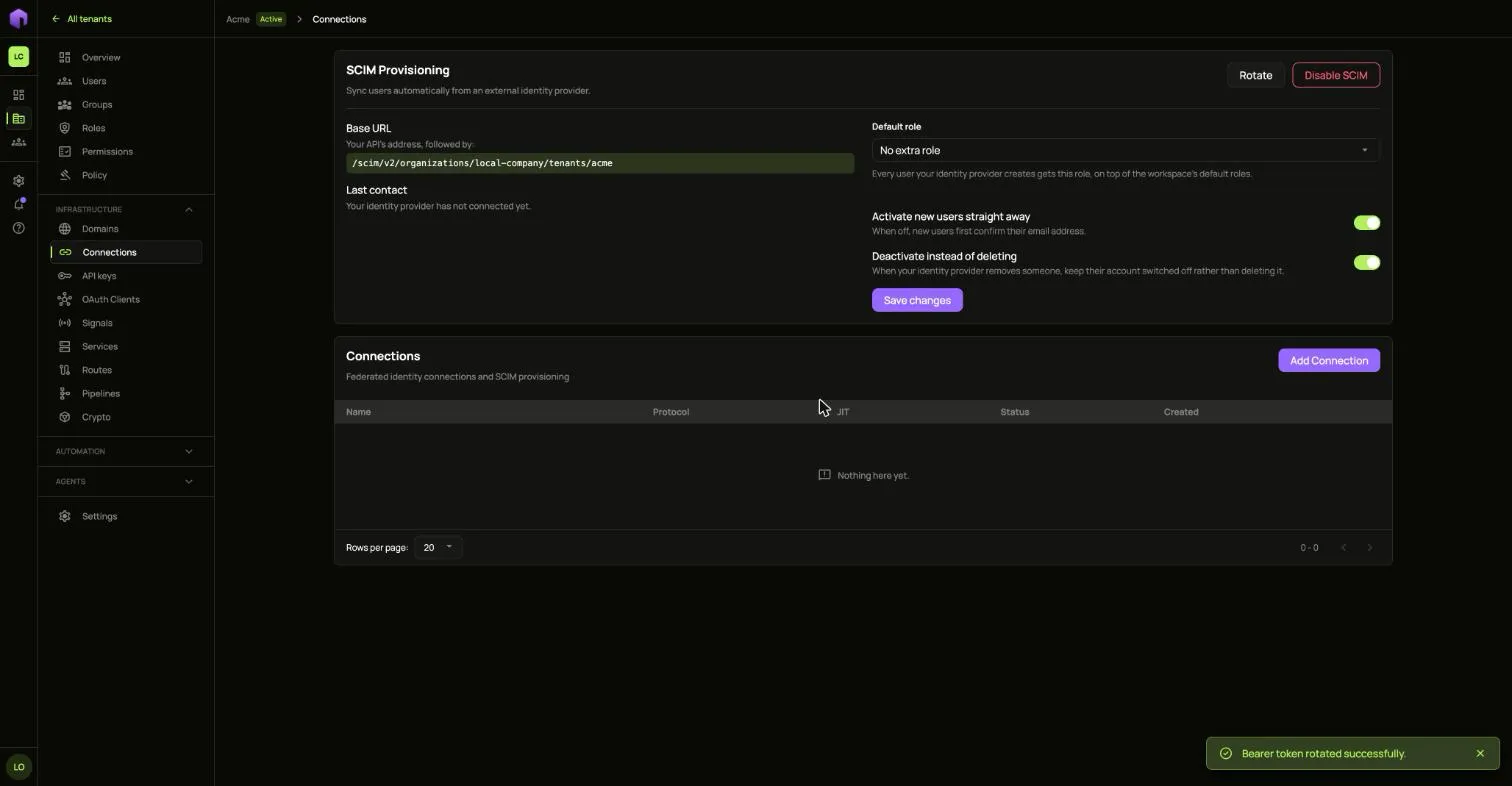
Rotating the token stops the current one at once. Disabling SCIM stops provisioning.
Signals
Section titled “Signals”Signals send important security events to your own systems as they happen.
- Open Signals and choose Register signal.
- Choose where signals go. With push, ianua calls your endpoint as soon as a matching signal happens. With poll, your endpoint calls ianua on its own schedule.
- Pick which events to include, or leave All signal types checked.
- Copy the receiver key. Your endpoint checks deliveries with it, and it is shown once.

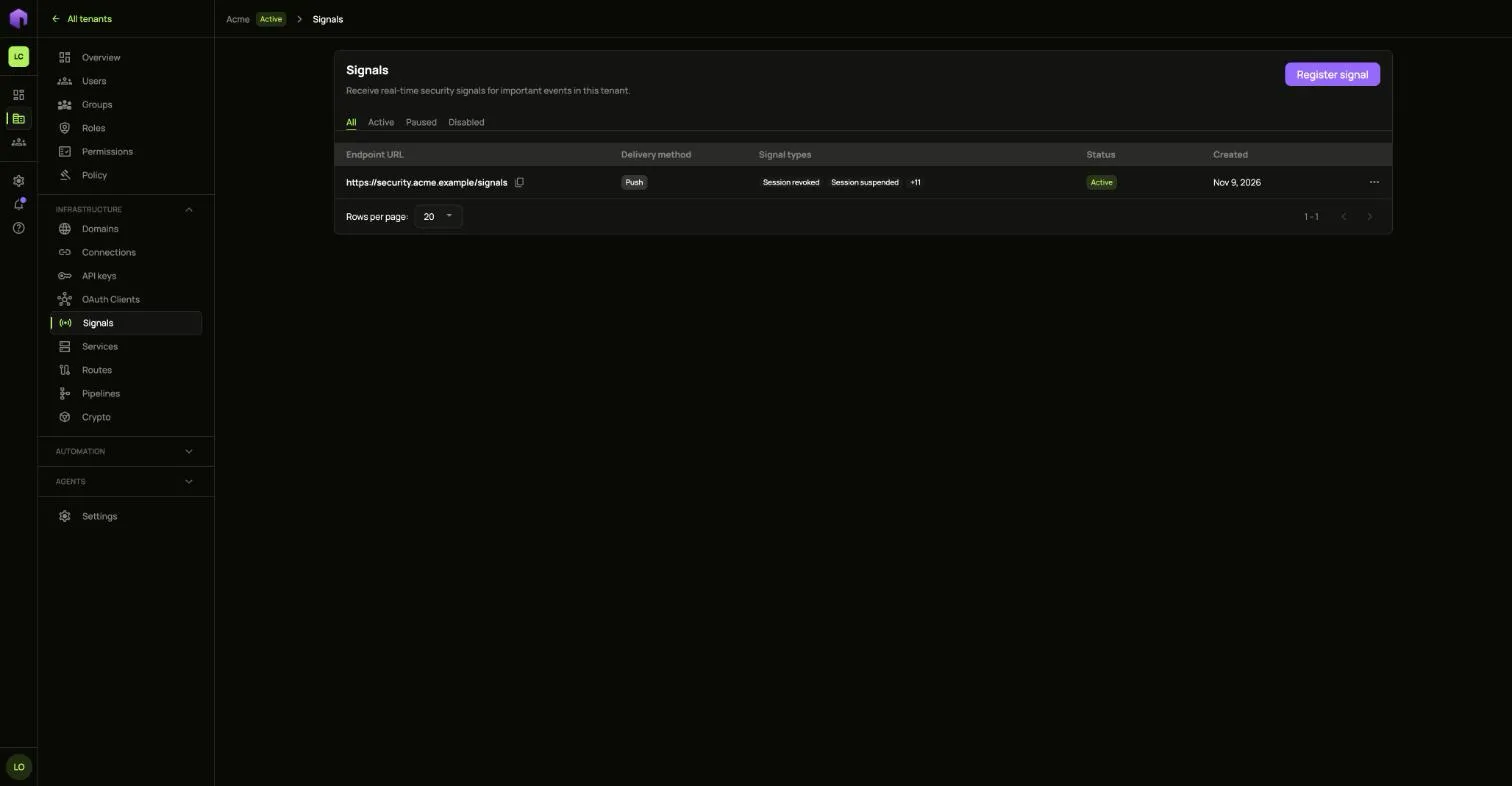
Open a signal to see recent delivery attempts.
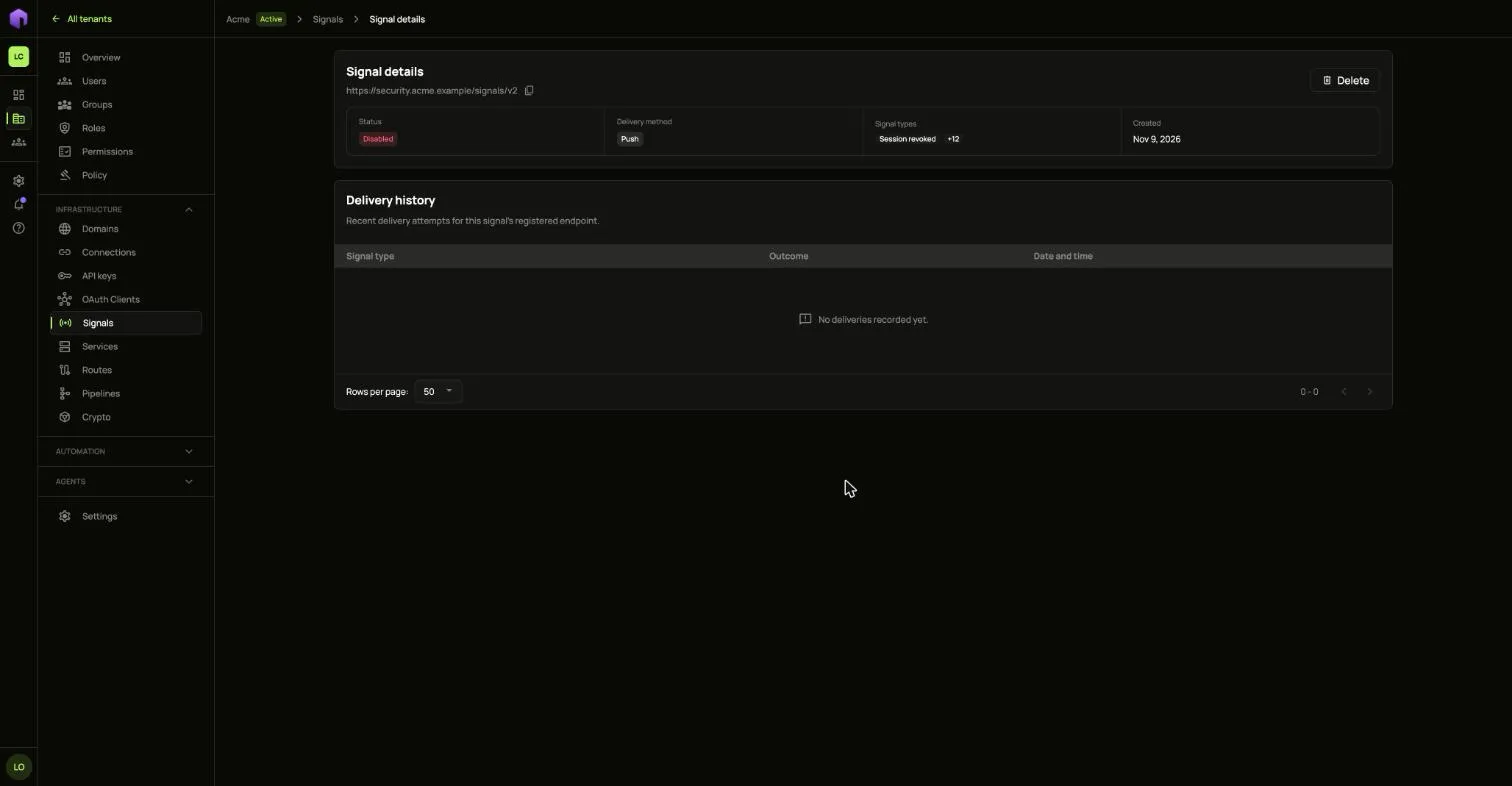
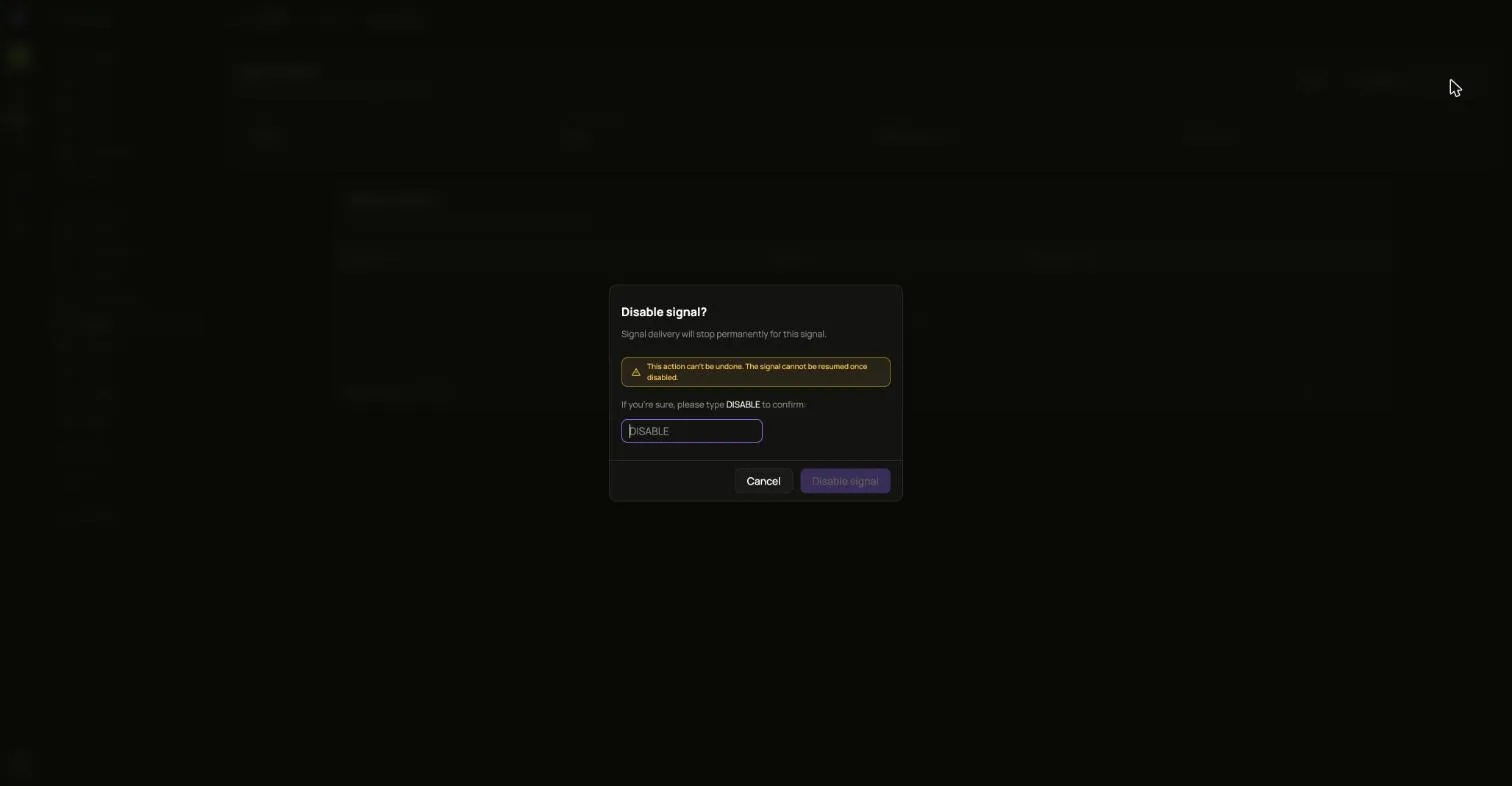
The … menu offers Pause and Resume, Edit, and Disable. Disabling cannot be undone.