Signing keys
Open Crypto in the Infrastructure group.
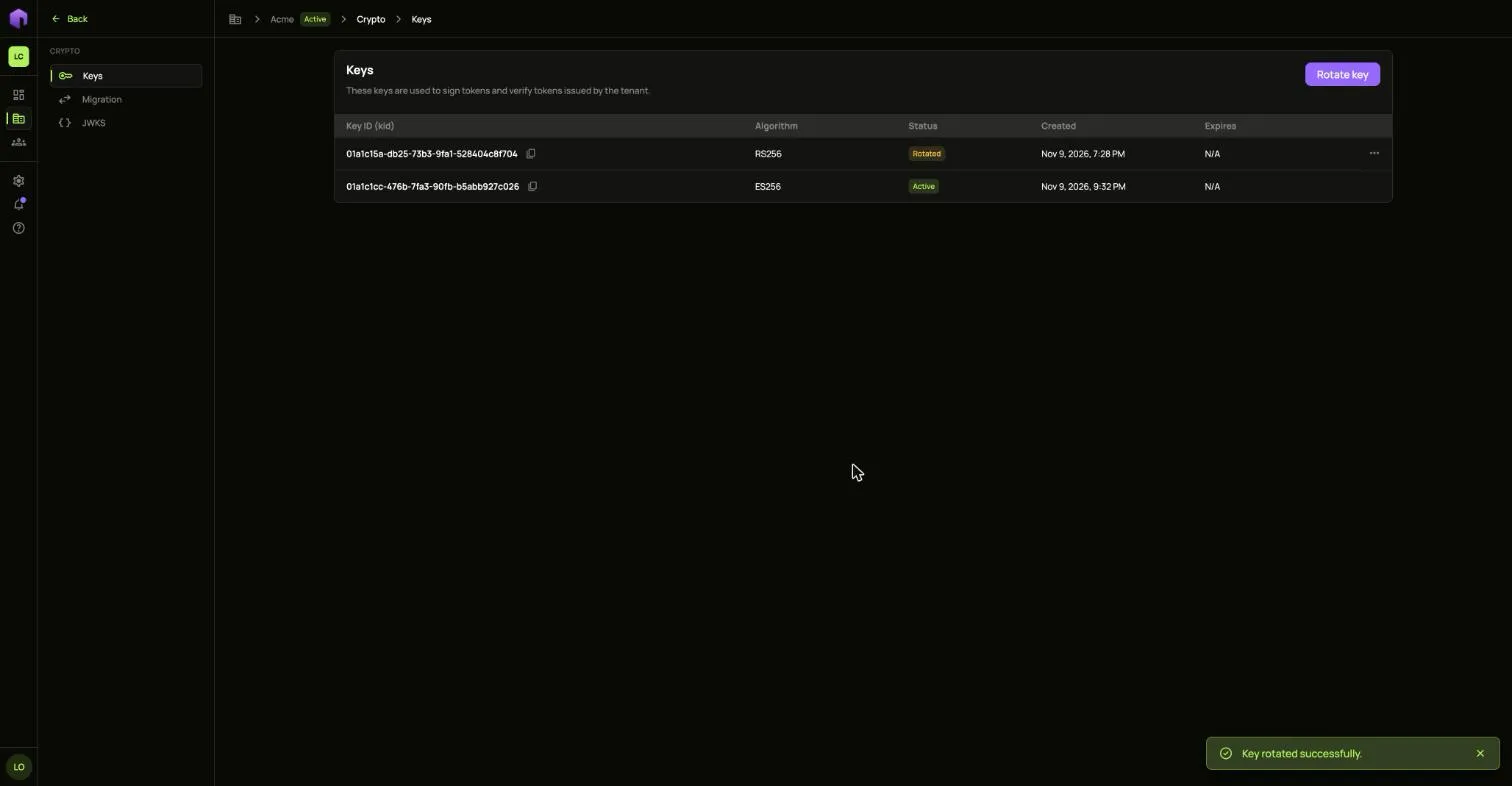
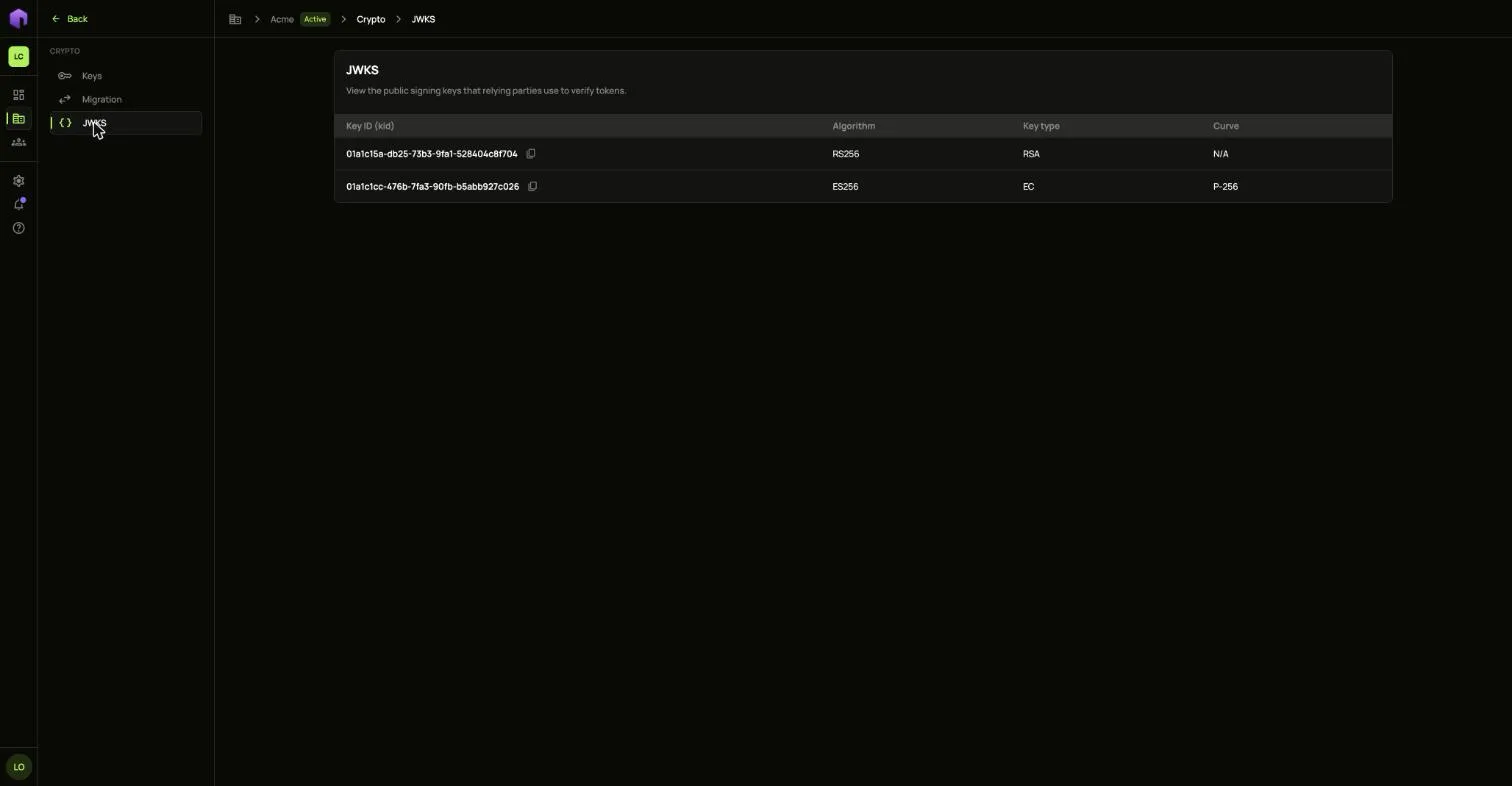
Keys lists the keys that sign your tenant’s tokens. JWKS shows the public keys that other services use to check those tokens.
Rotate a key
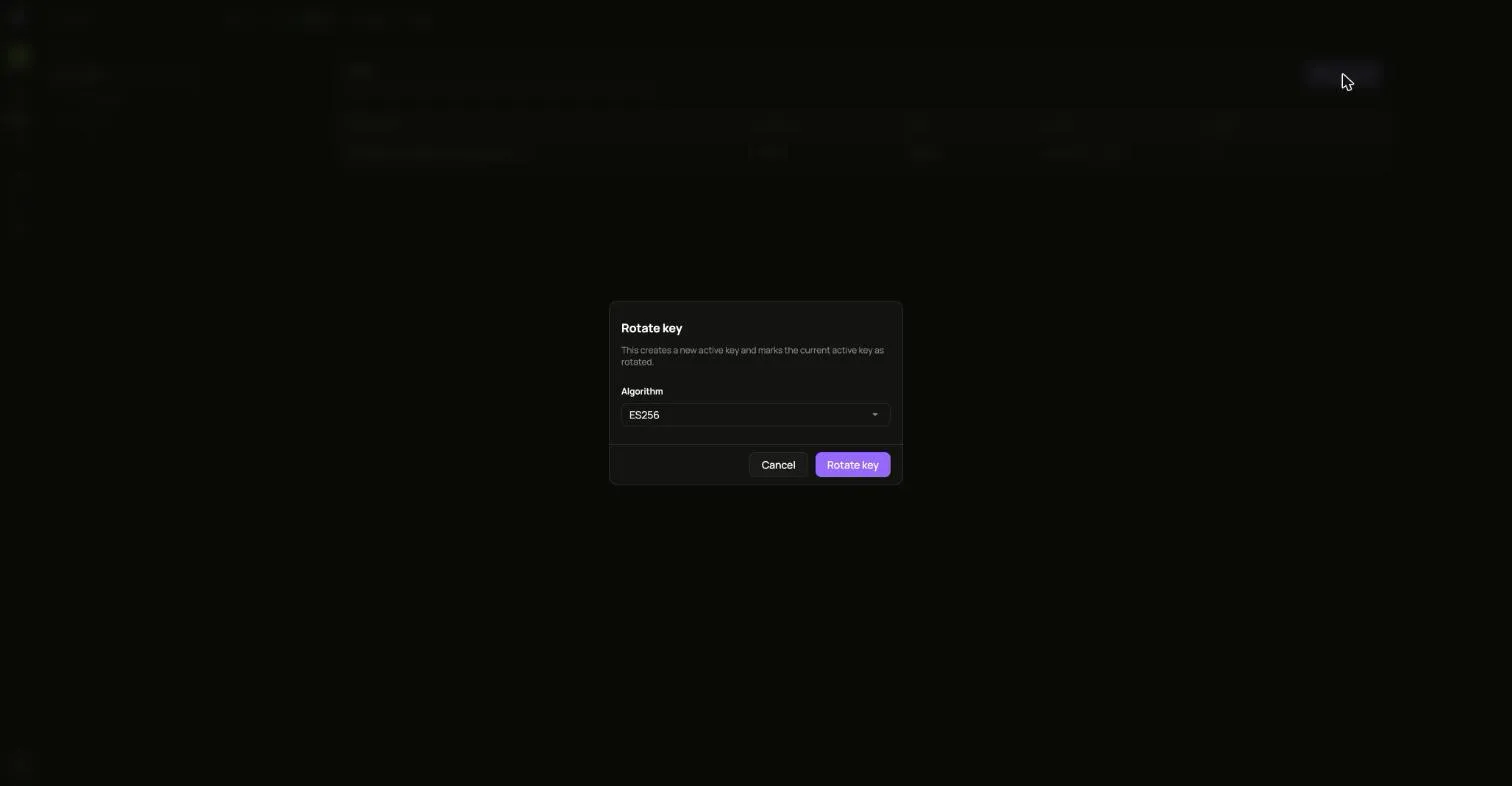
Section titled “Rotate a key”Choose Rotate. A new key becomes active and the current one is marked as rotated.
Revoking a key removes it from JWKS, so tokens it signed can no longer be checked. The only active key cannot be revoked.
Change the algorithm
Section titled “Change the algorithm”Migration changes the signing algorithm without interrupting token checks.
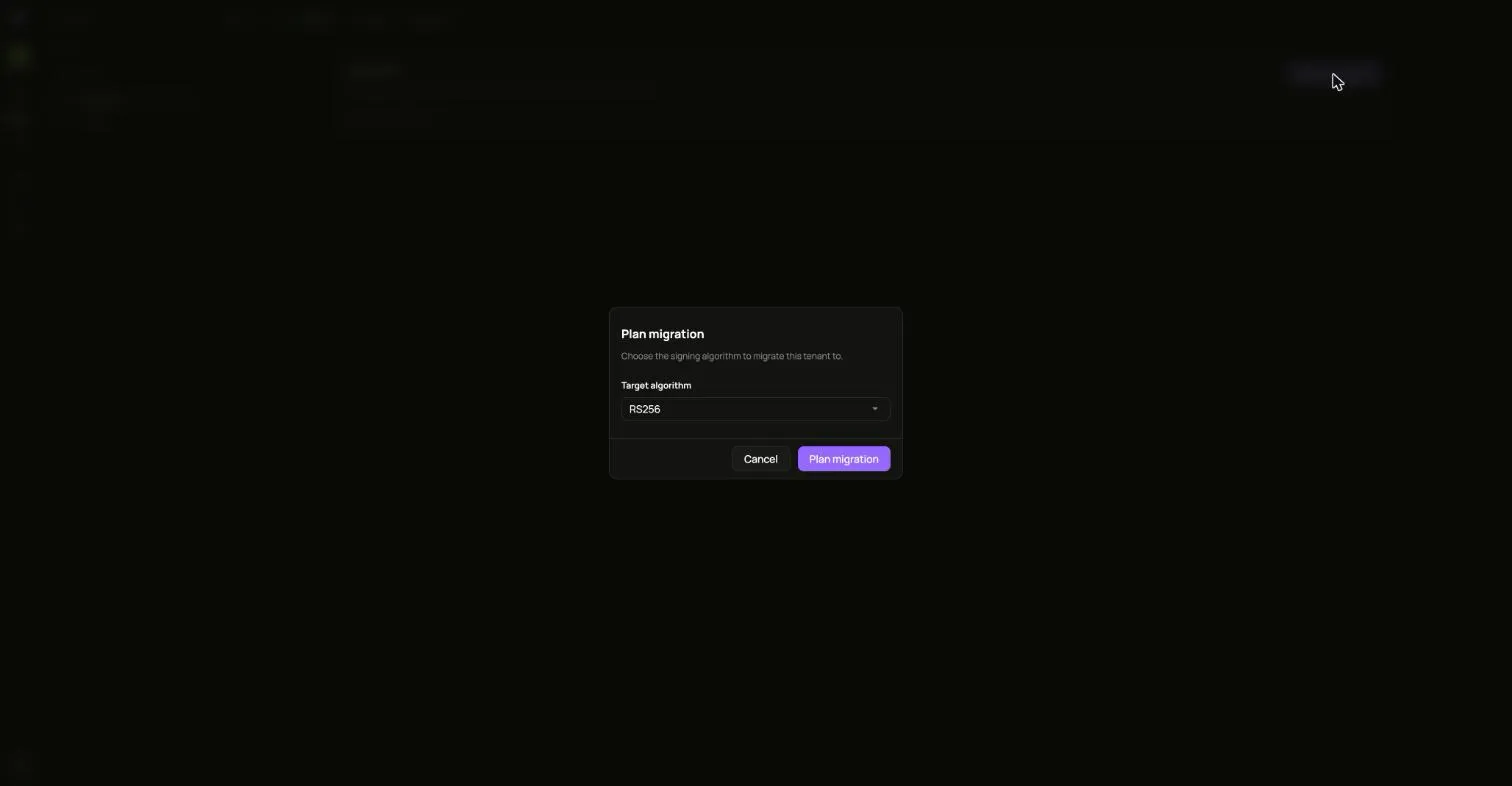
- Choose Plan migration and pick the algorithm.
- Start it, and follow it through validation.
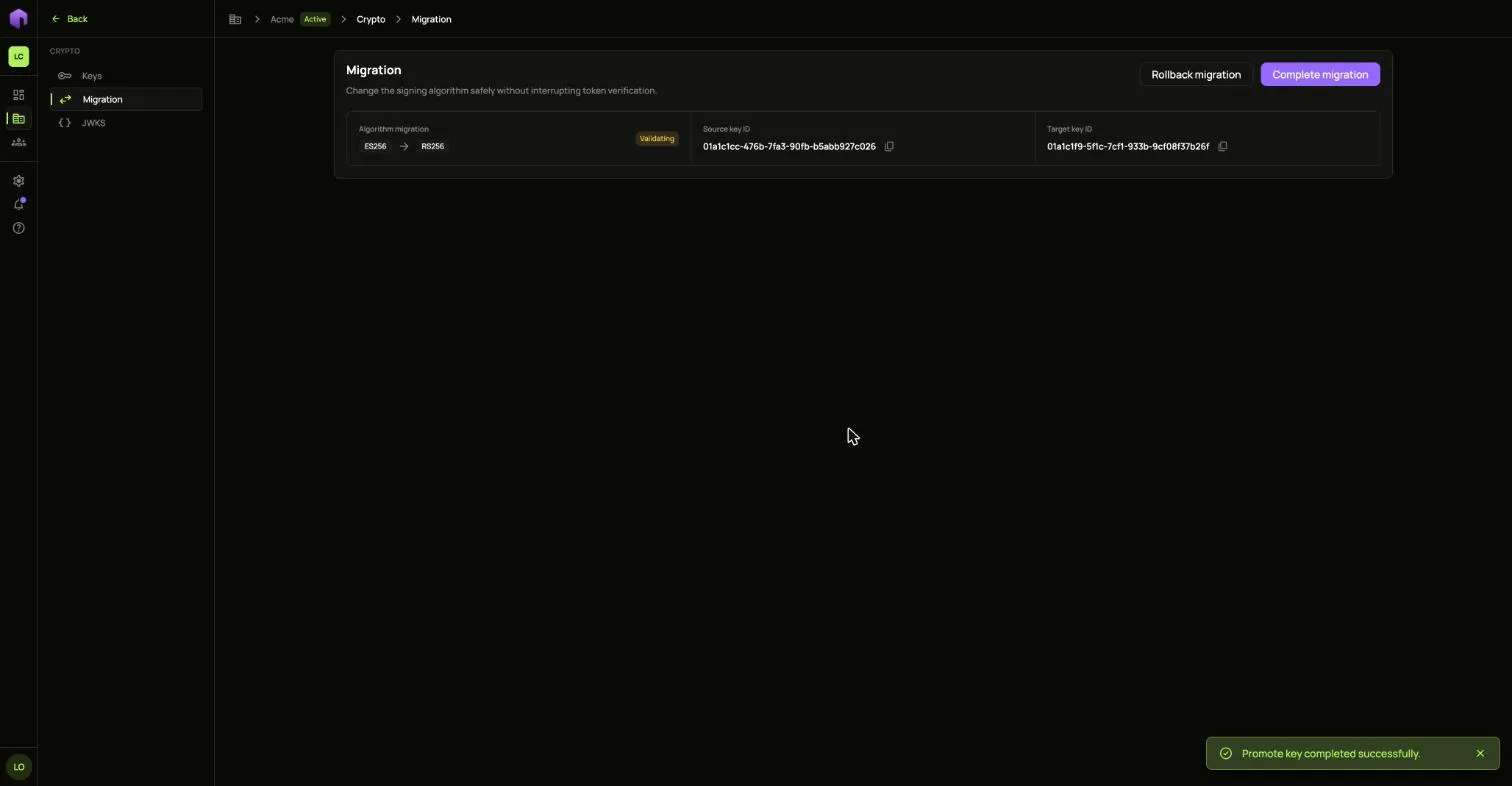
If something is wrong, roll it back and record why.