Run your own code in a sandbox
A sandbox holds code a workflow can run, locked away from everything else.
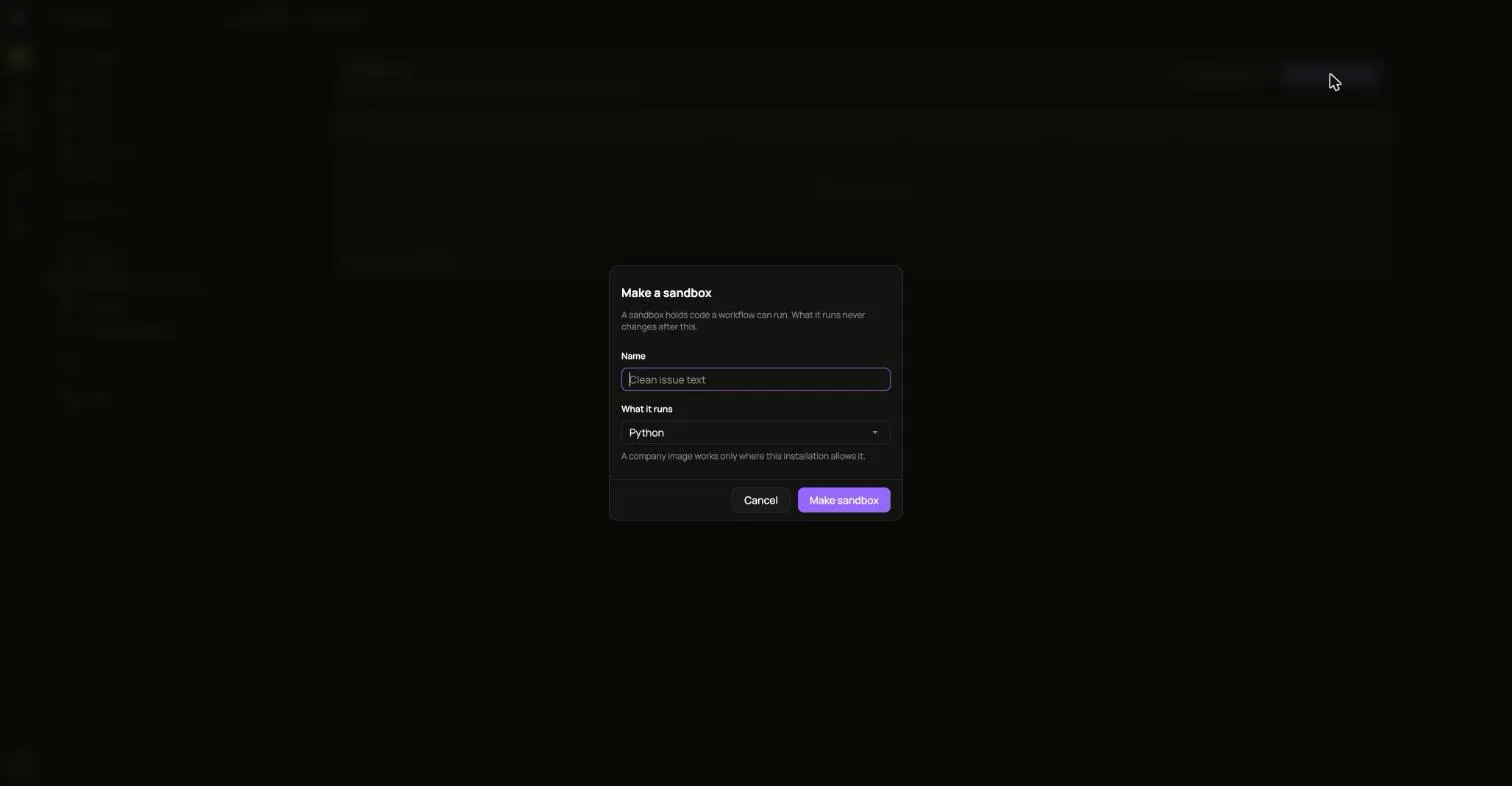
- Open Sandboxes and choose Make a sandbox.
- Give it a Name and pick What it runs. This never changes afterwards.
- Choose Make sandbox.
Save a version
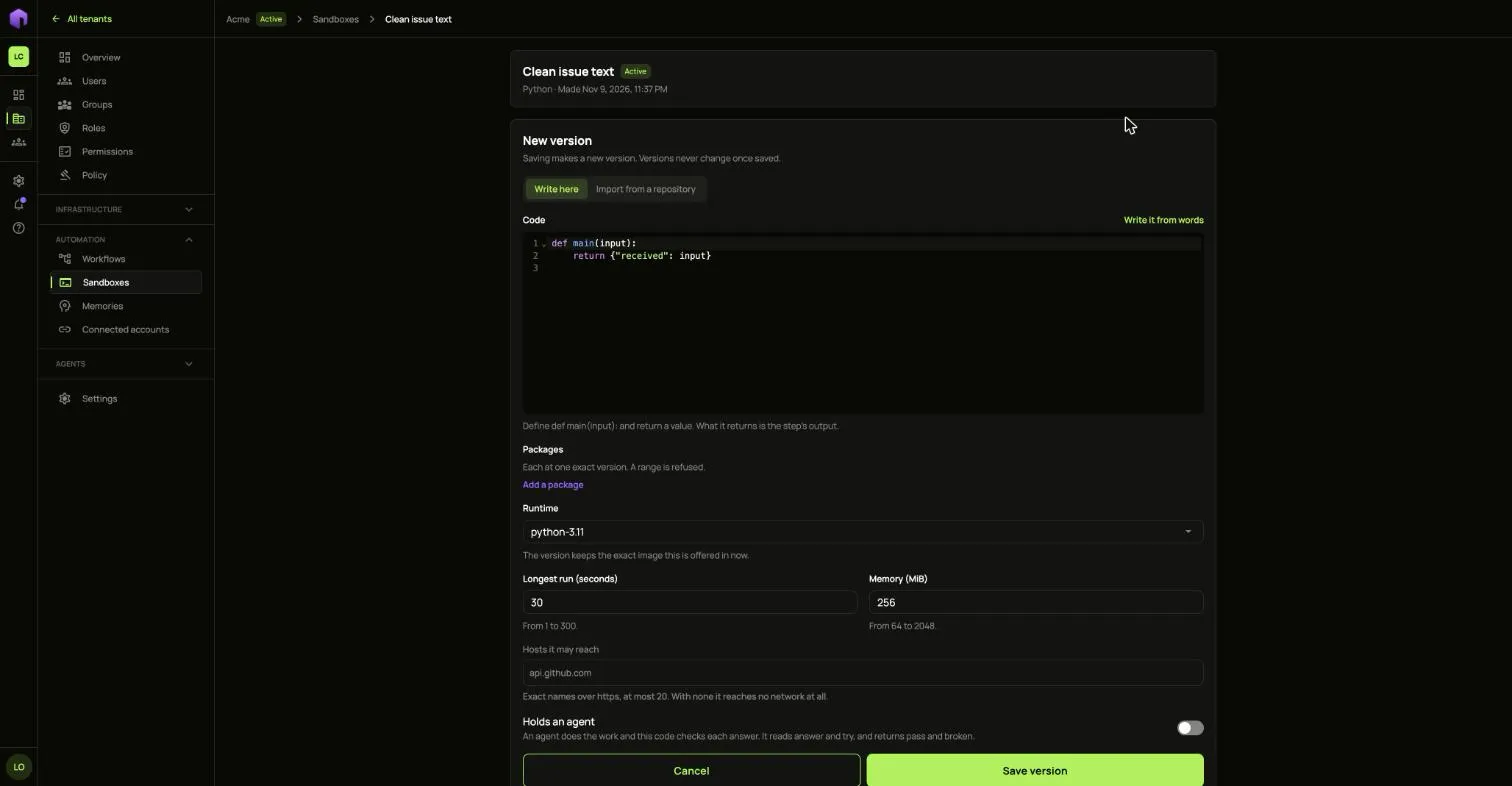
Section titled “Save a version”- Choose New version.
- Write the code under Write here, or choose Import from a repository. In Python, define
main(input)and return a value. What it returns is the step’s output. - Add any Packages, each at one exact version. A range is refused.
- Pick the Runtime, the Longest run and the Memory.
- Under Hosts it may reach, list exact names over https. With none it reaches no network at all.
- Choose Save version.
A saved version never changes. It shows Building while its packages are fetched, then Ready.
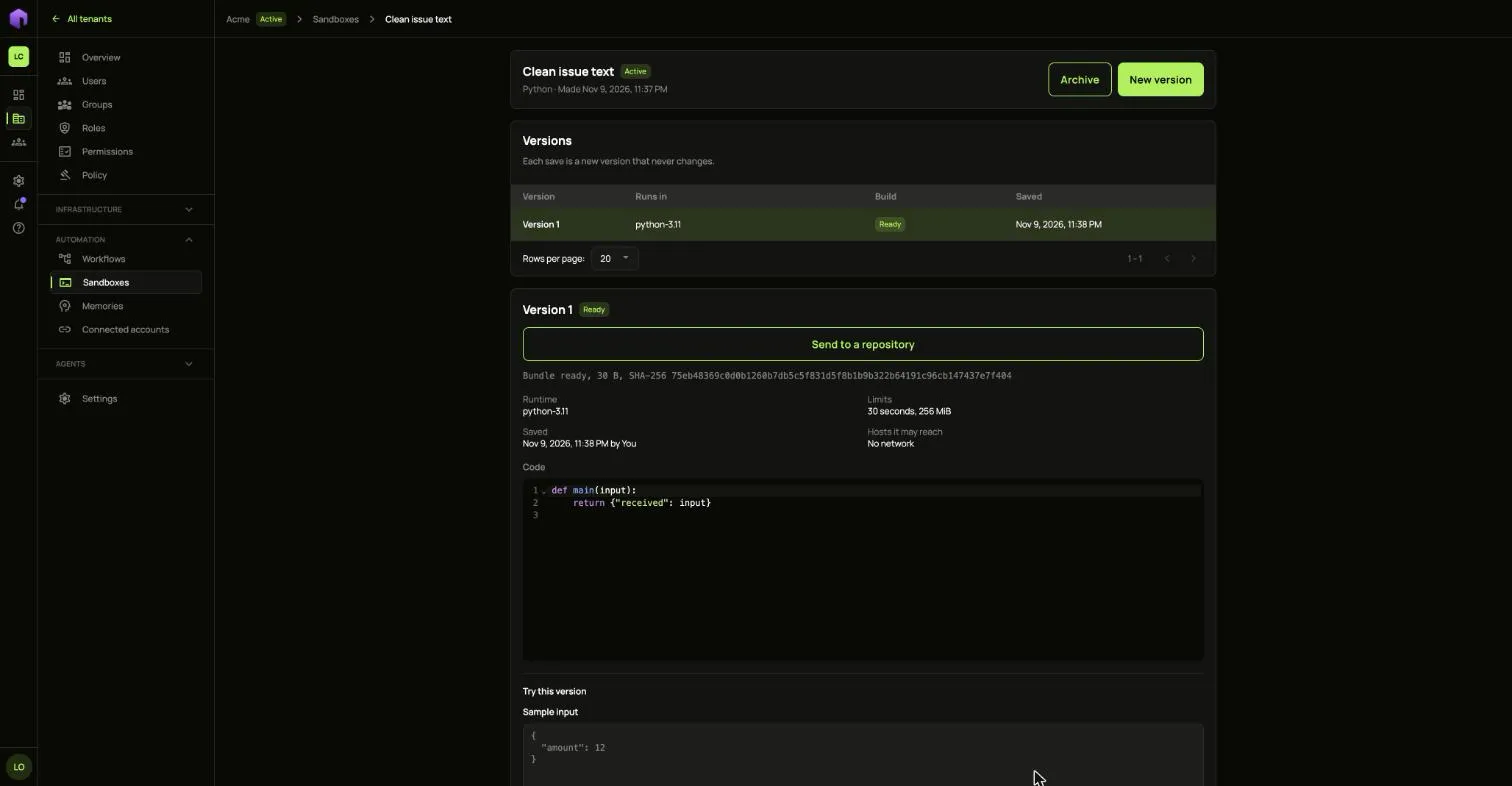
Add it to a workflow with the Code step.
Use your own images
Section titled “Use your own images”Image registries lists the hosts your company’s images may come from. Choose Allow a registry and fill in the Host. Leave Username and Password or token empty for a registry open to anyone. A password is sealed and never shown again.
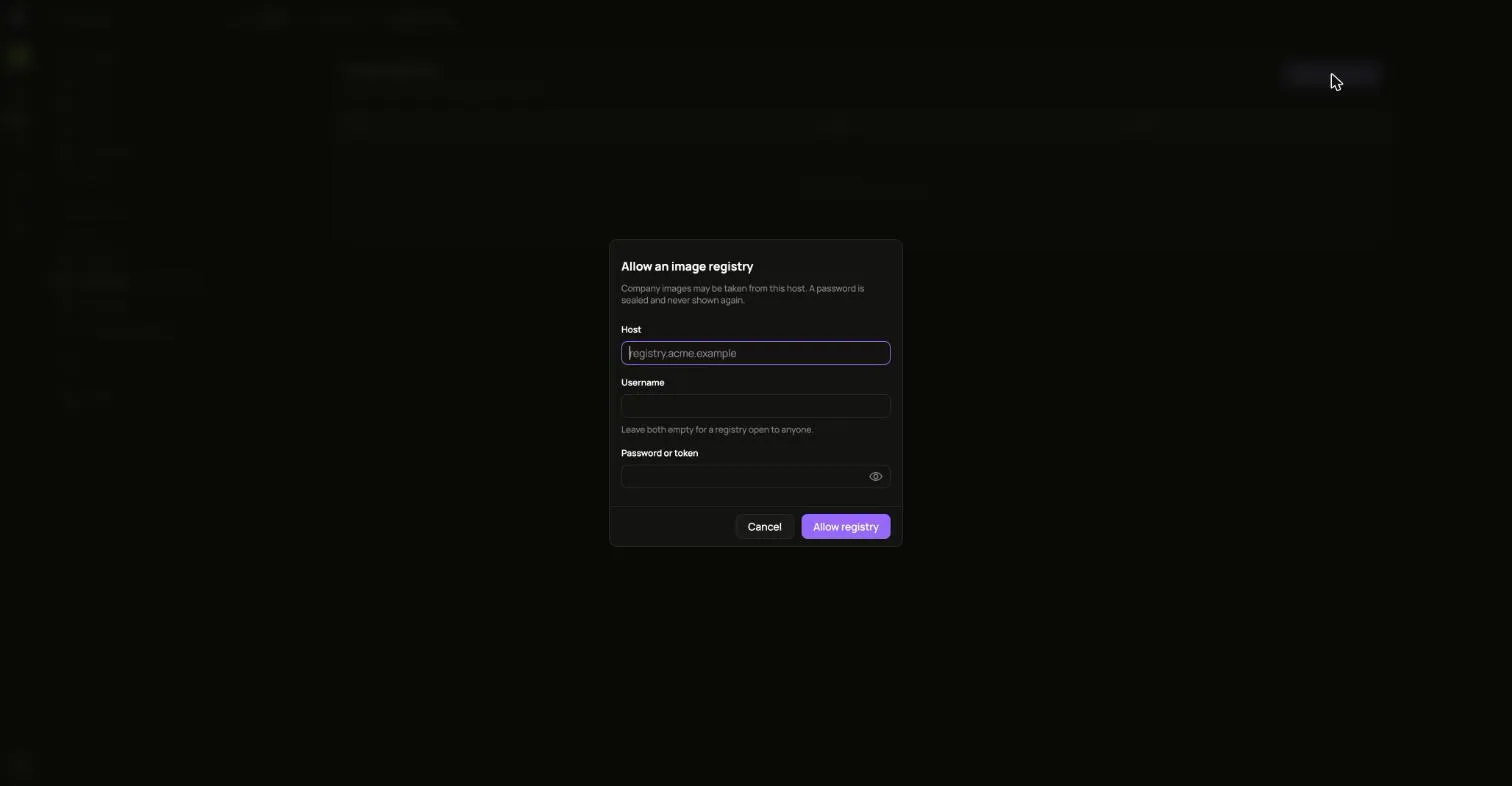
A company image works only where the installation allows it.