Add and manage users
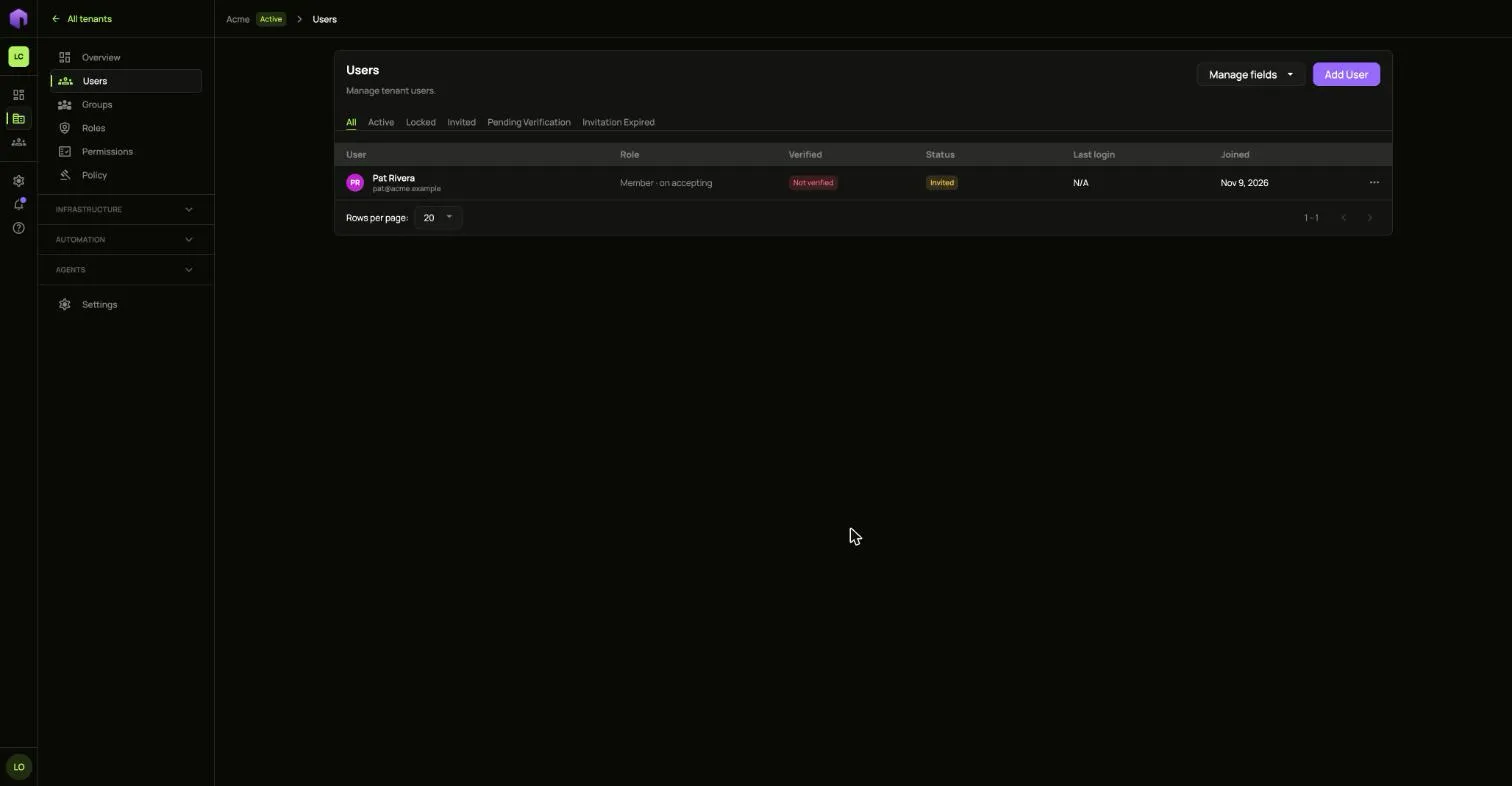
Users are the people who sign in to a tenant. Open your tenant and choose Users.
Add a user
Section titled “Add a user”Choose Add User. You can invite someone by email or create their account yourself.
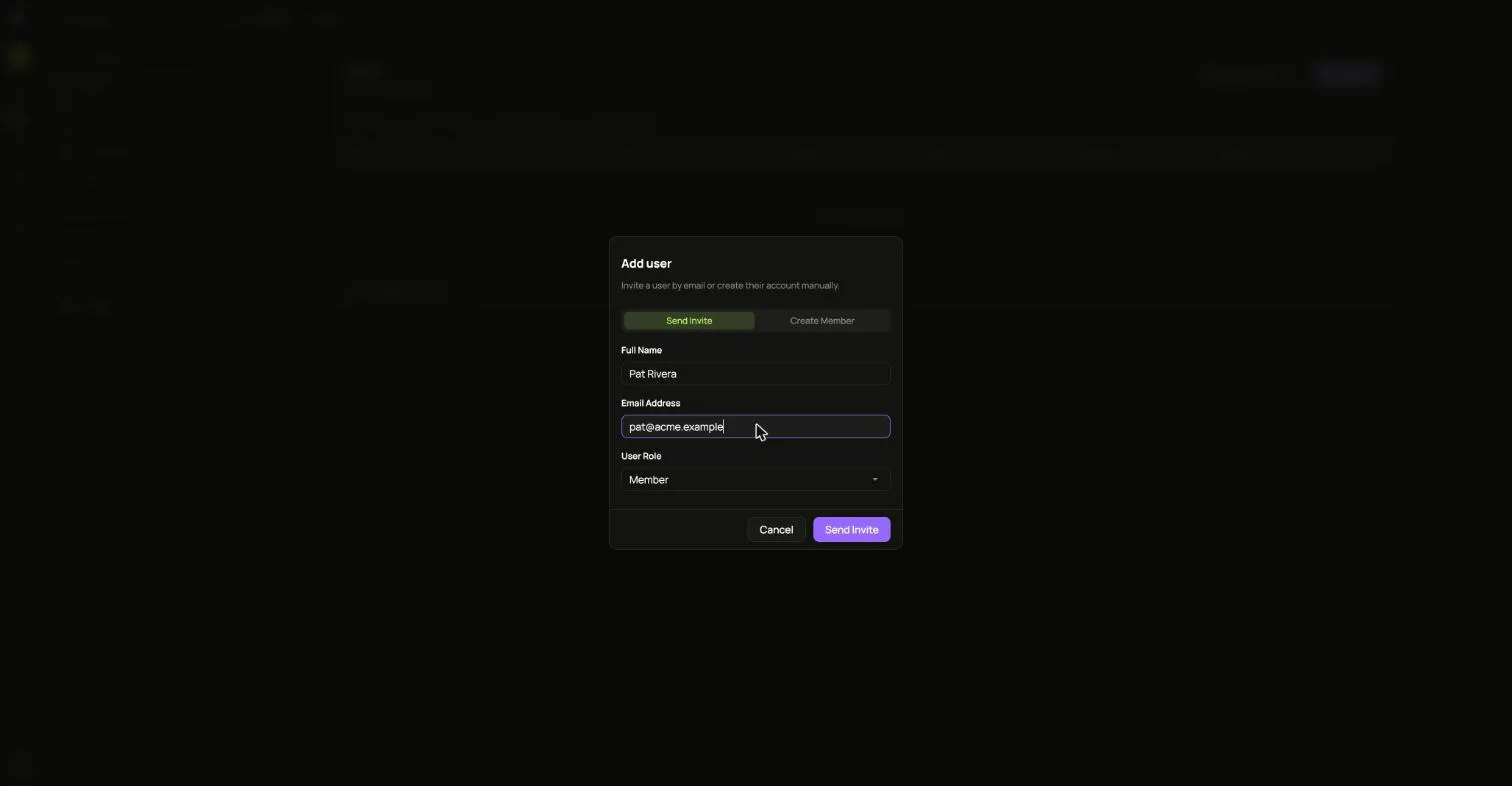
An install that cannot send mail shows you an invitation link instead. Hand that link to the person yourself.
Act on a user
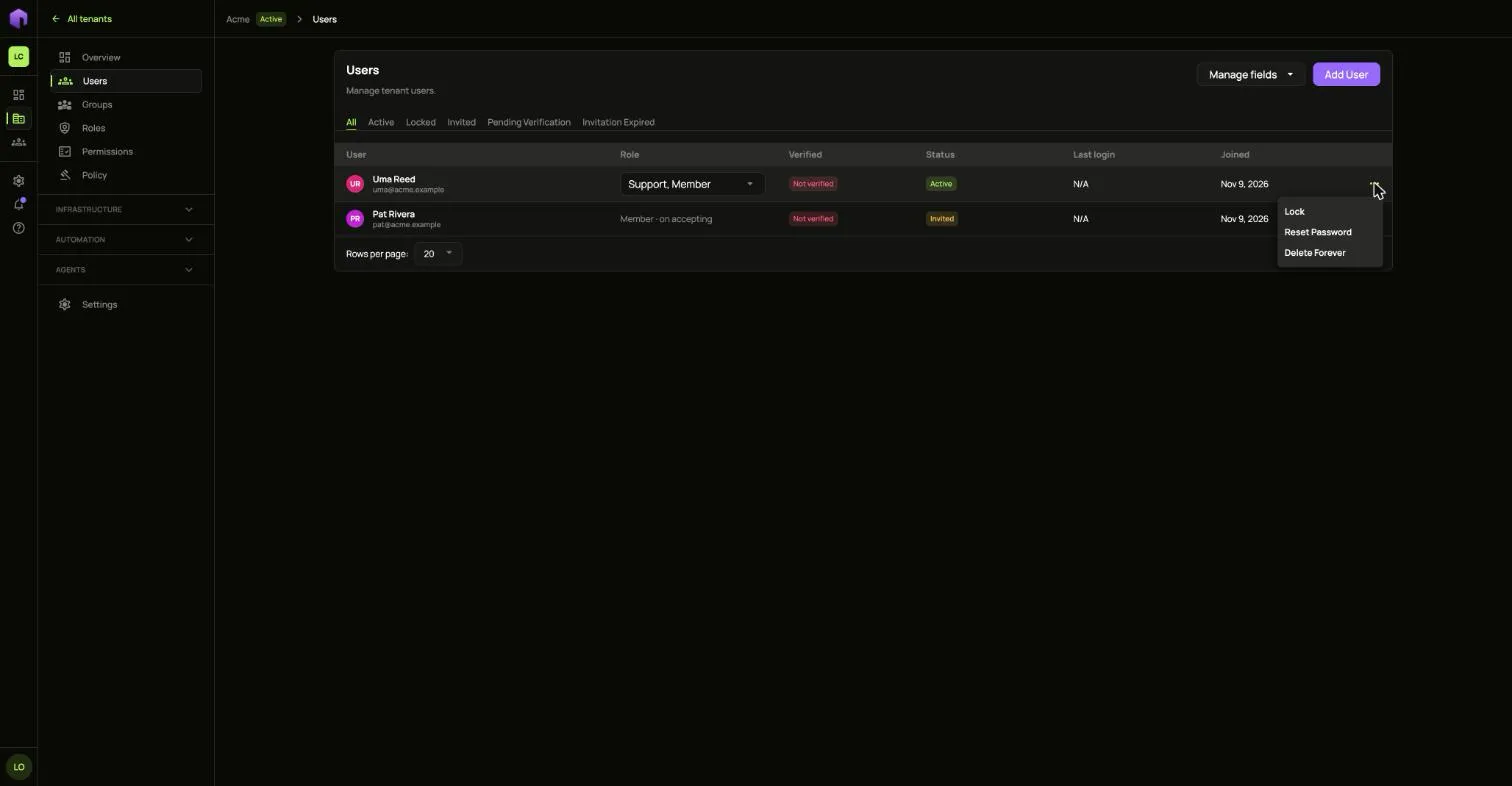
Section titled “Act on a user”The … menu on each row offers what fits that person’s state.
-
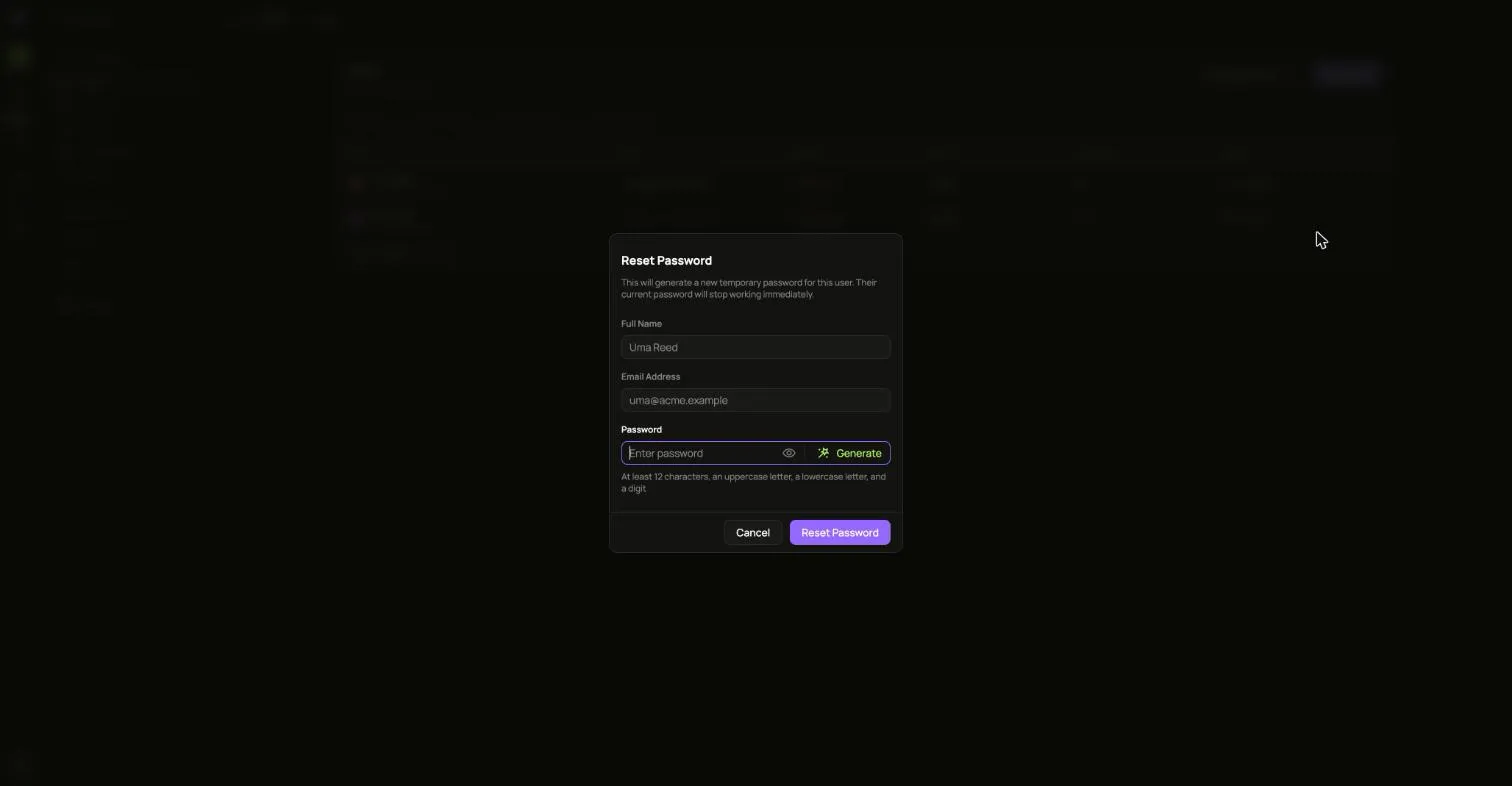
Reset password gives you a temporary password to share. It is not shown again.
-
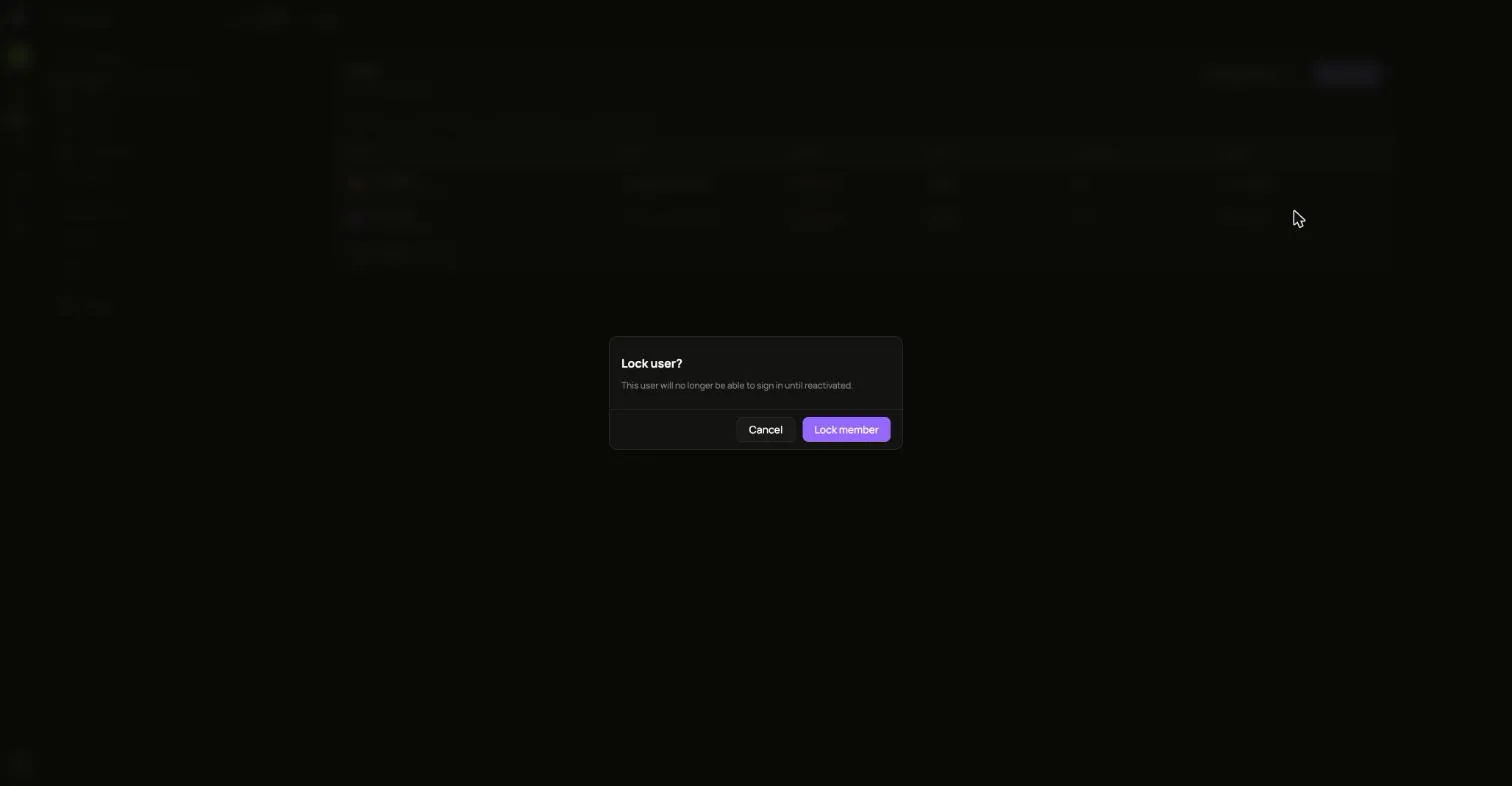
Lock user stops the person signing in until you unlock them.
-
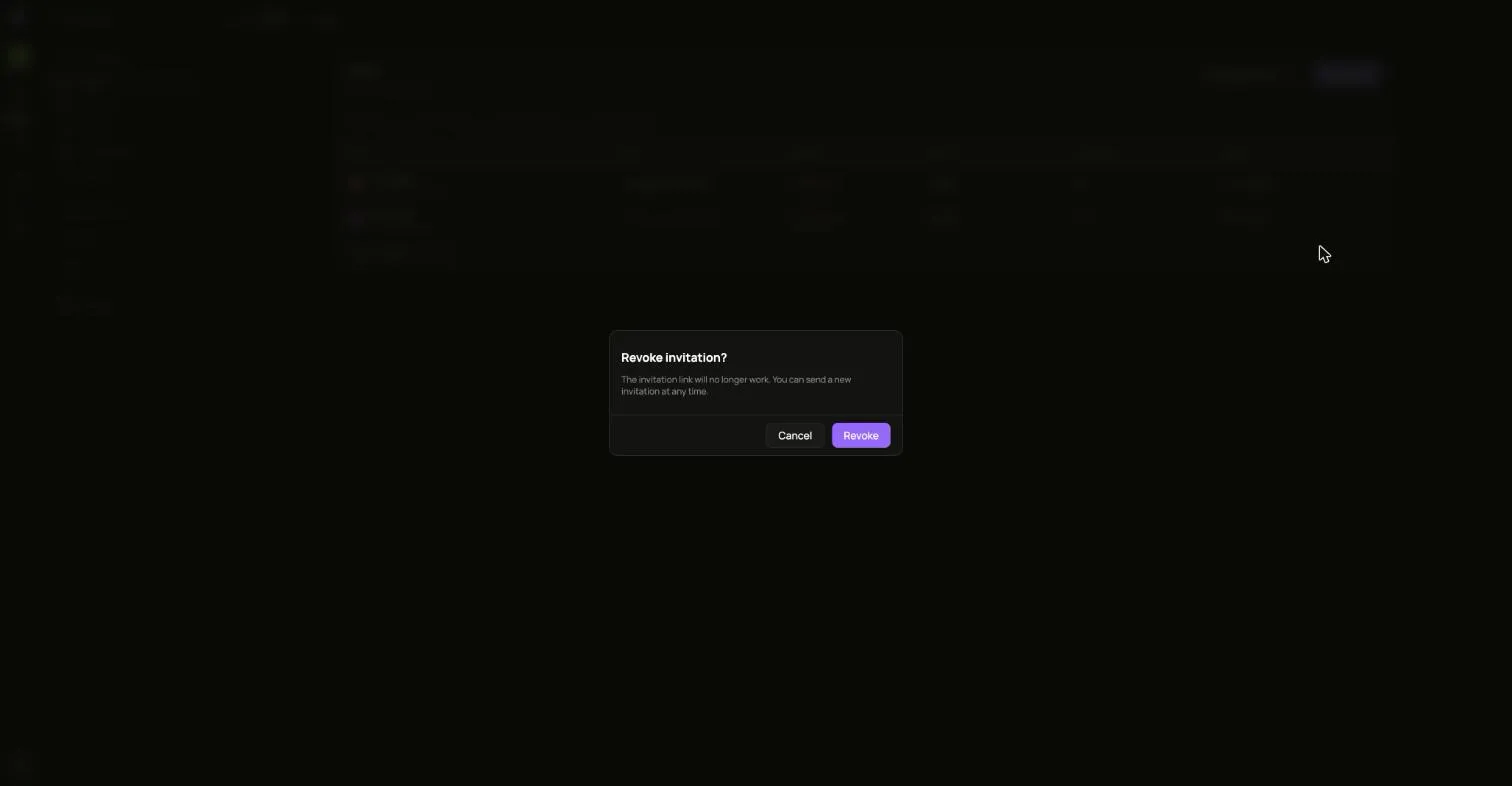
Revoke withdraws an invitation that has not been accepted.
-
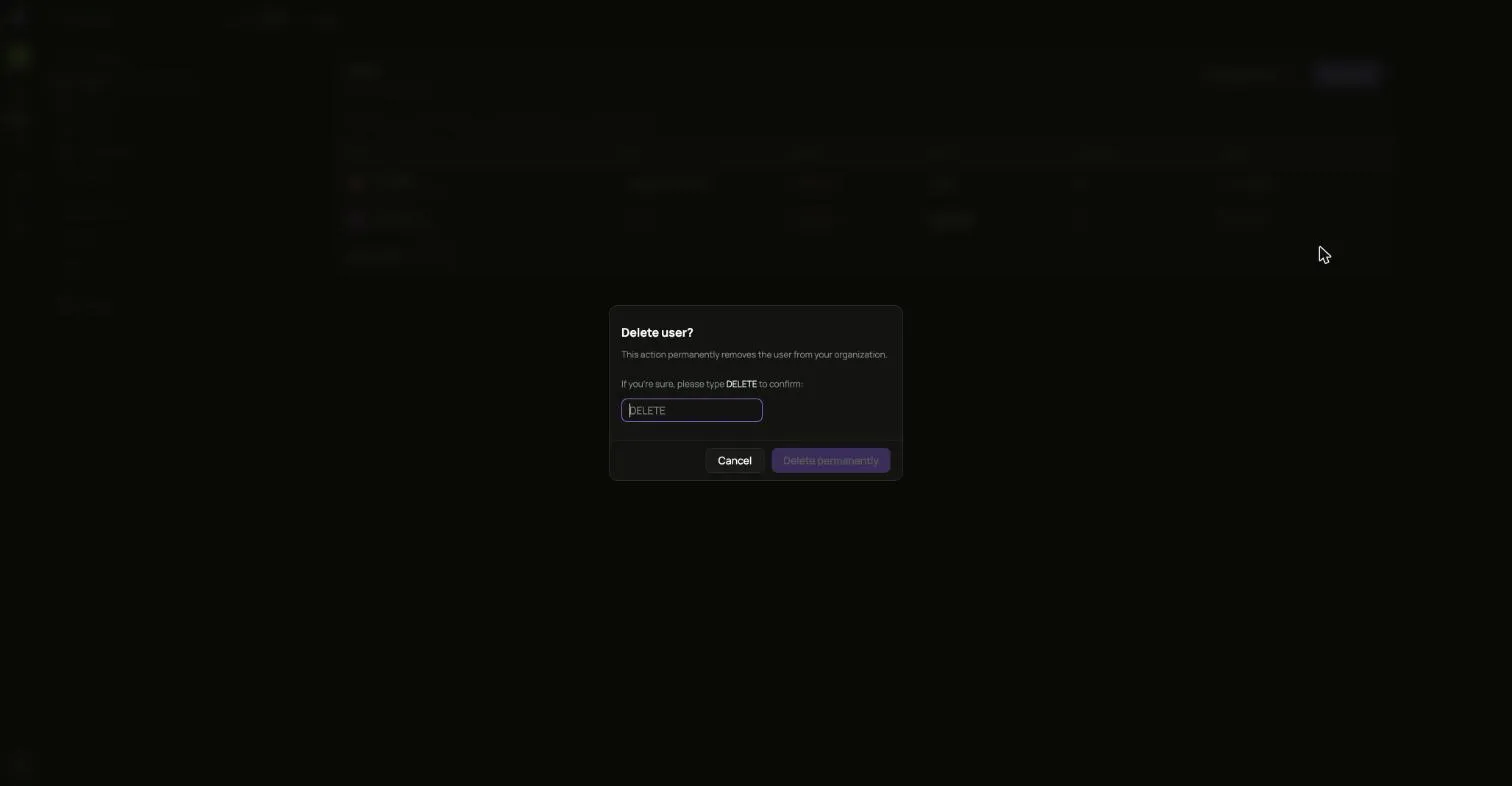
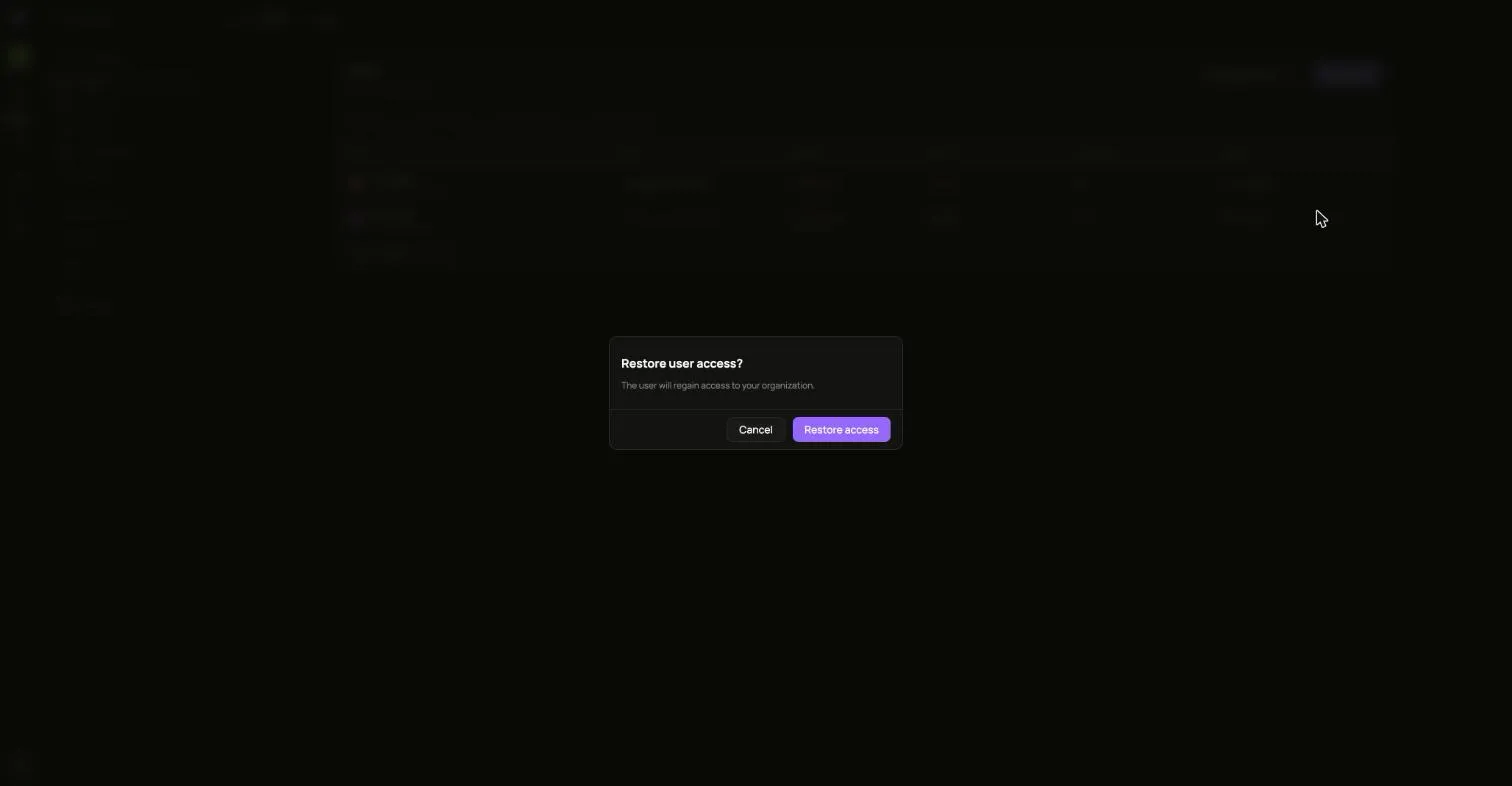
Delete removes the person from the tenant. Restore brings a deleted person back.