Connect outside accounts
Workflows reach outside services through accounts you connect once. Steps inside ianua need no account.
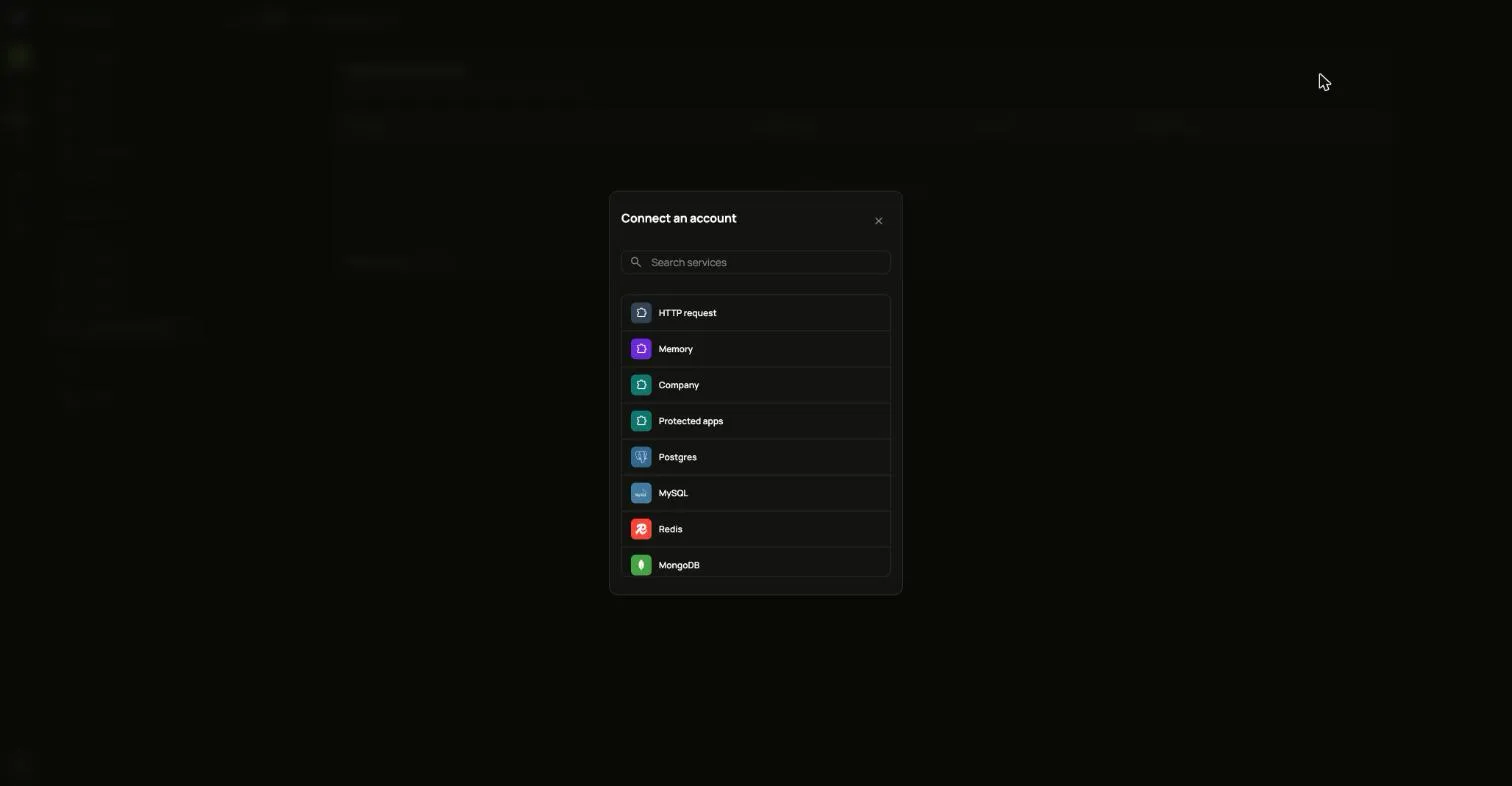
- Open Connected accounts and choose Connect an account.
- Pick the service. You can search the list.
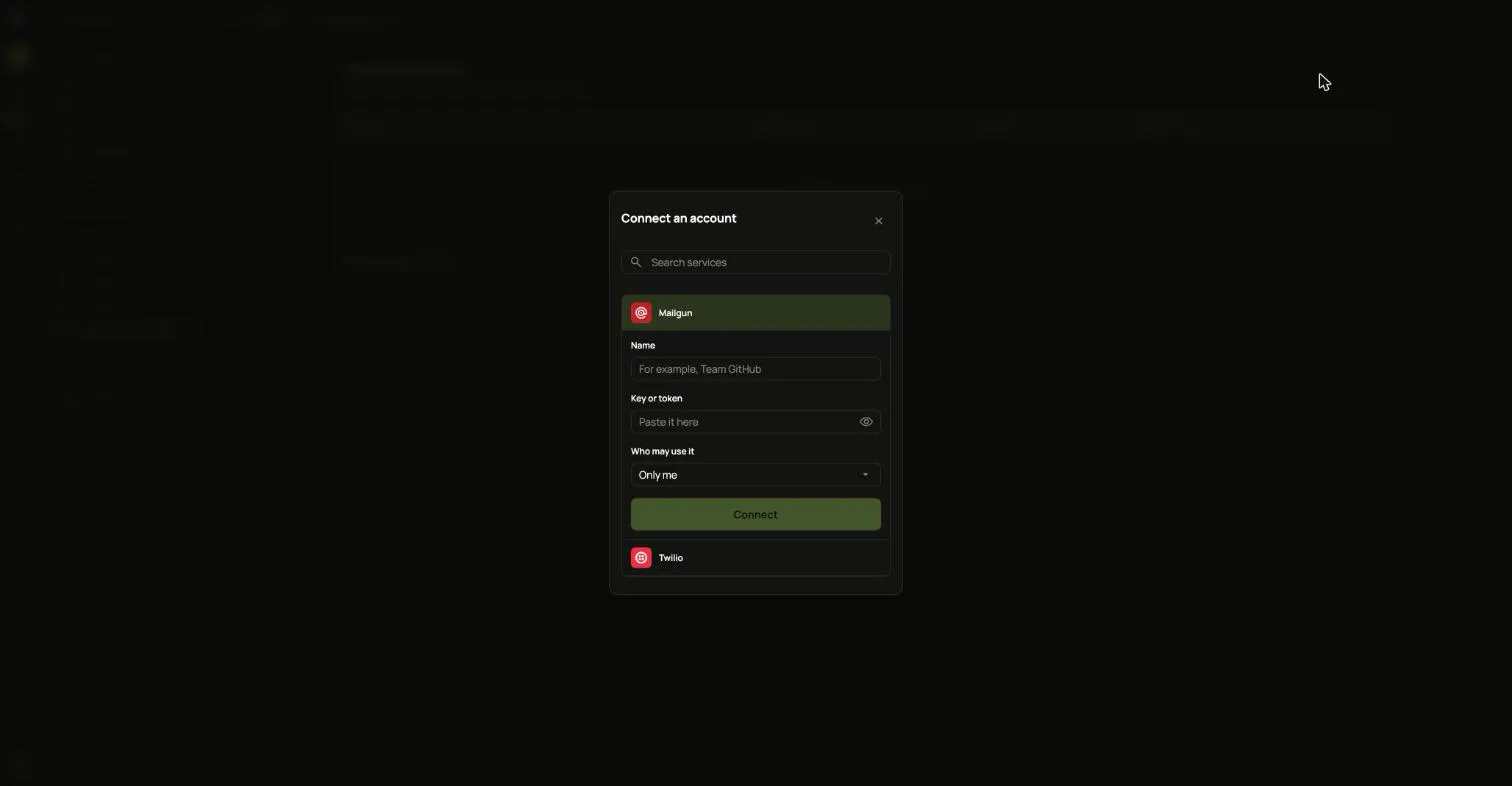
- Fill in a Name and the service’s Key or token, or sign in at the service if it offers that.
- Under Who may use it, choose who may use the account in their workflows.
- Choose Connect.